
You do not usually lose a body recomposition phase because you forgot the theory. You lose it because the wrong day shows up and the same small action gets missed again. Lunch goes unlogged after a hard session. Restaurant dinner gets handled on feel. Sunday review gets pushed to Monday, then never happens. If you are on a GLP-1 receptor agonist like semaglutide or tirzepatide, the failure gets quieter because appetite is low enough that under-fueling can feel disciplined right until your training starts slipping. Fuel deep links turn those moments into one-tap actions that put the right screen in front of the decision before you have already made the wrong one.
If you need the full calorie-target framework first, start with Apple Watch-Based Calorie Targets: The Execution System for Body Recomposition. If you already understand the numbers and the problem is execution, deep links put those numbers in front of you at the right moment.
01Why automation beats good intentions
The failure pattern in recomposition is repetitive. The same decision point gets missed under the same kind of stress. Busy workday. Late lift. Social dinner. Low-appetite injection day. None of those situations are rare. They are the normal terrain of a modern cut.
That is why the right mental model is not "I should be more disciplined." It is "when this cue appears, the next action should already be decided." That is the logic of implementation intentions, the if-then plans Gollwitzer and Sheeran studied. You do not rely on memory or willpower. You attach a response to a cue.1
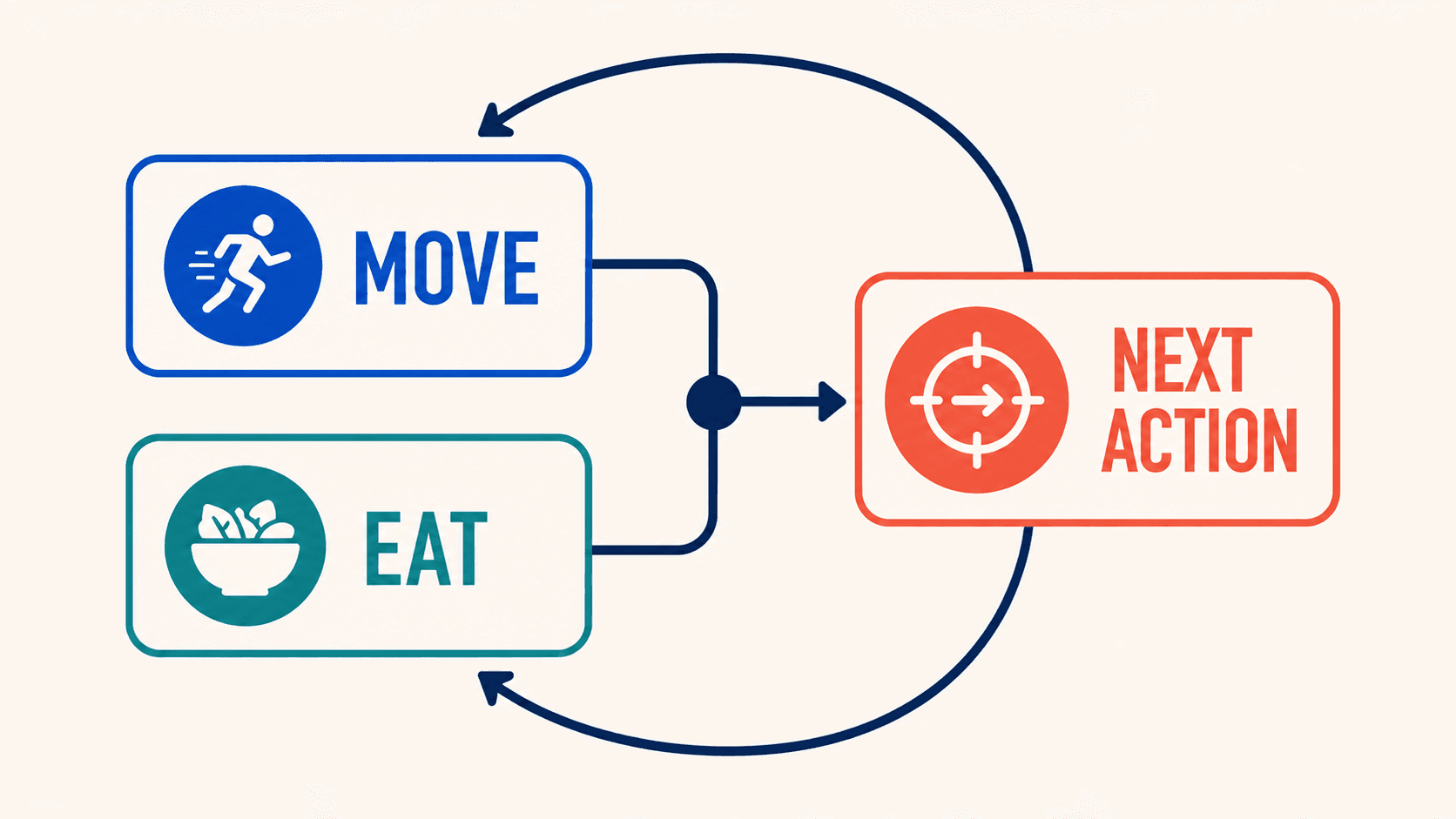
Digital tracking helps because it creates the evidence you need once the action is complete. Berry et al. found that digital self-monitoring of diet and activity supports better weight-management outcomes.2 Fuel adds the layer most trackers miss. It lets you jump directly into the action that matters next instead of making you navigate for it.
Automation is any shortcut that removes a decision you keep losing.
02Set up the prerequisites that keep the loop honest
Do not start by building clever triggers. Start by making sure the data stream is trustworthy and the main surfaces are visible.
| Requirement | What to check | Why it matters |
|---|---|---|
| Apple Health connection | Turn on Apple Health permissions for Fuel for active energy, resting energy, workouts, body weight, and nutrition categories | If Apple Health is incomplete, your Today view and reviews are explaining a partial record |
| Today layout | Open Today View Personalization and make the calorie card show the version you actually read, then turn on the cards you need | Automation works better when the destination screen is readable in one glance |
| Dynamic target context | Enable Dynamic Calories and use Energy Balance as the main check against your watch data | The point is to automate the right decision inside your real total daily energy expenditure, not a flat calorie number from January |
| Shortcut map | Read Quick Actions and Shortcuts once before you build anything | You need the exact fuel:// paths, not a remembered version |
| Weekly interpretation | Know where Weekly Review and Timeline live | Automation without a weekly adjustment loop becomes notification wallpaper |
If your Apple Watch data still feels abstract, read How to Use Apple Watch for Body Recomposition before you add triggers. The watch is valuable because it helps you classify the day. Automation is what turns that classification into action.
03The five-automation stack that actually matters
Features are not the useful starting point. Failure points are.
| Failure point | Trigger | Deep link | What the action fixes | Best fit |
|---|---|---|---|---|
| You start the day without checking the real target | Daily at wake-up | fuel://today | Puts the current target and plan in front of the first food decision | Every recomp phase |
| You drift into a low-protein first half of the day | Mid-morning or lunch | fuel://coach/next-meal or fuel://log/meal | Forces a protein check before the day turns into dinner rescue mode | GLP-1 users and busy lifters |
| You finish training and never close the loop | After workout | fuel://log/workout | Captures the session while it is fresh and keeps the day-type data clean | Lifters and event trainees |
| Restaurant decisions blow up a quiet week | Arrival at saved restaurant locations | fuel://eat-out | Opens the menu scanner when the decision is happening, not afterward | Social eaters and travelers |
| Sunday review keeps getting skipped | Weekly on the same morning | fuel://coach/weekly-review | Forces the one pattern check that keeps a mediocre week from repeating | Everyone |
This stack covers the moments where plans usually break. It is small enough to keep and specific enough to matter.
04Copyable playbooks by situation
Use the version that matches the way your own week usually fails.
Base recomp stack
This is the default stack for men using Apple Watch to run a cut or recomp without medication support.
| Automation | Recommended trigger | What to look for when it opens |
|---|---|---|
fuel://today | Wake-up | Calories remaining, protein target, and whether the day looks like a lift day, moderate day, or low-output day |
fuel://log/meal | Lunch on weekdays | Whether the first two meals have already covered enough protein to protect the evening |
fuel://log/workout | Workout completion | Clean workout history for Weekly Review and better day-type interpretation |
fuel://eat-out | Arrival at regular restaurants | A menu choice that fits your remaining calories and macros before social momentum takes over |
fuel://coach/weekly-review | Same time every Sunday | Which two days actually broke the plan and whether they were food, recovery, or logging failures |
The goal of the base stack is not more activity. It is cleaner execution. If you still need the calorie logic underneath it, go back to Apple Watch-based calorie targets for body recomposition.
Low-appetite GLP-1 stack
Men on GLP-1 medications need a different version because the biggest mistake is not overeating. It is low-friction under-eating that slowly erodes training quality.
| Automation | Recommended trigger | Why it matters on GLP-1 |
|---|---|---|
fuel://today | Wake-up and dose day afternoon | Lets you see the target and protein floor before appetite disappears into the background |
fuel://coach/next-meal | 10:30 AM or 11:00 AM | Prevents the common pattern where lunch becomes the first meaningful protein feeding |
fuel://log/meal | Lunch | Makes low-volume, high-protein eating visible instead of assumed |
fuel://eat-out | Arrival at restaurants | Useful when the appetite signal is quiet and a low-protein "light" choice looks falsely safe |
fuel://coach/weekly-review | Sunday morning | Shows whether injection day, travel, or weekends are the real source of missed protein |
If low appetite is the constraint, use the broader GLP-1 diet guide for protein and food selection, the stricter men's protein guide for preventing muscle loss on GLP-1s, the shorter GLP-1 muscle retention guide for men, and the heavier evidence pass in Protein Targets and Training Strategy on Semaglutide or Retatrutide. If your specific problem is meal size tolerance, Meal Templates for Low Appetite Days: High-Protein, Low-Volume Options is the page that turns theory into food.
Event-training stack
Men training for a race, HYROX, or another event usually break the plan on the days where training load and schedule chaos land together.
| Automation | Recommended trigger | What the automation protects |
|---|---|---|
fuel://today | Wake-up | Makes the day-type target visible before long-run or double-session fueling decisions |
fuel://hydration | Midday and post-session | Keeps hydration visible when hard sessions suppress normal eating rhythm |
fuel://log/workout | Immediately after training | Preserves the context Weekly Review needs to separate fatigue from under-fueling |
fuel://log/meal | Post-session | Helps you start the post-session meal instead of drifting into a delayed meal |
fuel://coach/weekly-review | Same weekly window | Lets you see whether event training is being underwritten by actual intake or by wishful thinking |
The point of this stack is not to turn endurance training into a spreadsheet. It is to keep the most expensive sessions from being followed by the loosest nutrition.
05The automation map inside Fuel
Fuel already exposes enough deep links to build a useful system. You do not need to invent custom logic first.
| Deep link | Destination | Best use |
|---|---|---|
fuel://today | Today dashboard | Morning target check and live day context |
fuel://log/meal | Food logging | Lunch reminder, post-training meal, or low-appetite check-in |
fuel://log/weight | Weight entry | Morning weigh-in habit if you prefer a direct prompt |
fuel://log/workout | Workout logging | Session closeout after lifts or cardio |
fuel://log/water | Water logging | Hydration habit on hot days or long-run weeks |
fuel://eat-out | Restaurant menu scan | Restaurant interception before the order |
fuel://coach/daily-review | Daily Review | End-of-day check when you want the day graded before bed |
fuel://coach/weekly-review | Weekly Review | Weekly adjustment and pattern diagnosis |
fuel://coach/next-meal | Next Meal recommendation | Protein-first correction when the day is drifting |
fuel://plan-progress | Plan Progress timeline | Longer-horizon view when you want the week in context |
The useful version is narrower: which moment keeps failing, which screen removes the most friction at that moment, and which weekly view tells you whether the fix worked.
06How to build the stack without turning it into a hobby
The safest way to set up automation is one pass through the stack and two weeks of use. Do not keep tweaking triggers after one noisy day.
- Open Quick Actions and Shortcuts and copy the exact
fuel://paths you want. - In Apple's Shortcuts app, create a personal automation for each action using the cue that already happens in your life: wake-up time, lunch window, workout completion, arrival at regular restaurants, and Sunday review time.
- Let the automation open the Fuel screen, then perform the action manually inside the app.
- Use Weekly Review after one week and two weeks to see whether the trigger is landing at the right moment.
The goal is not to automate every tap. The goal is to place the right screen in front of the right decision.
07What a good week looks like after the stack is live
The payoff shows up in Weekly Review, not in a prettier dashboard. By Sunday, you should be able to see what actually happened instead of guessing why the week felt off.
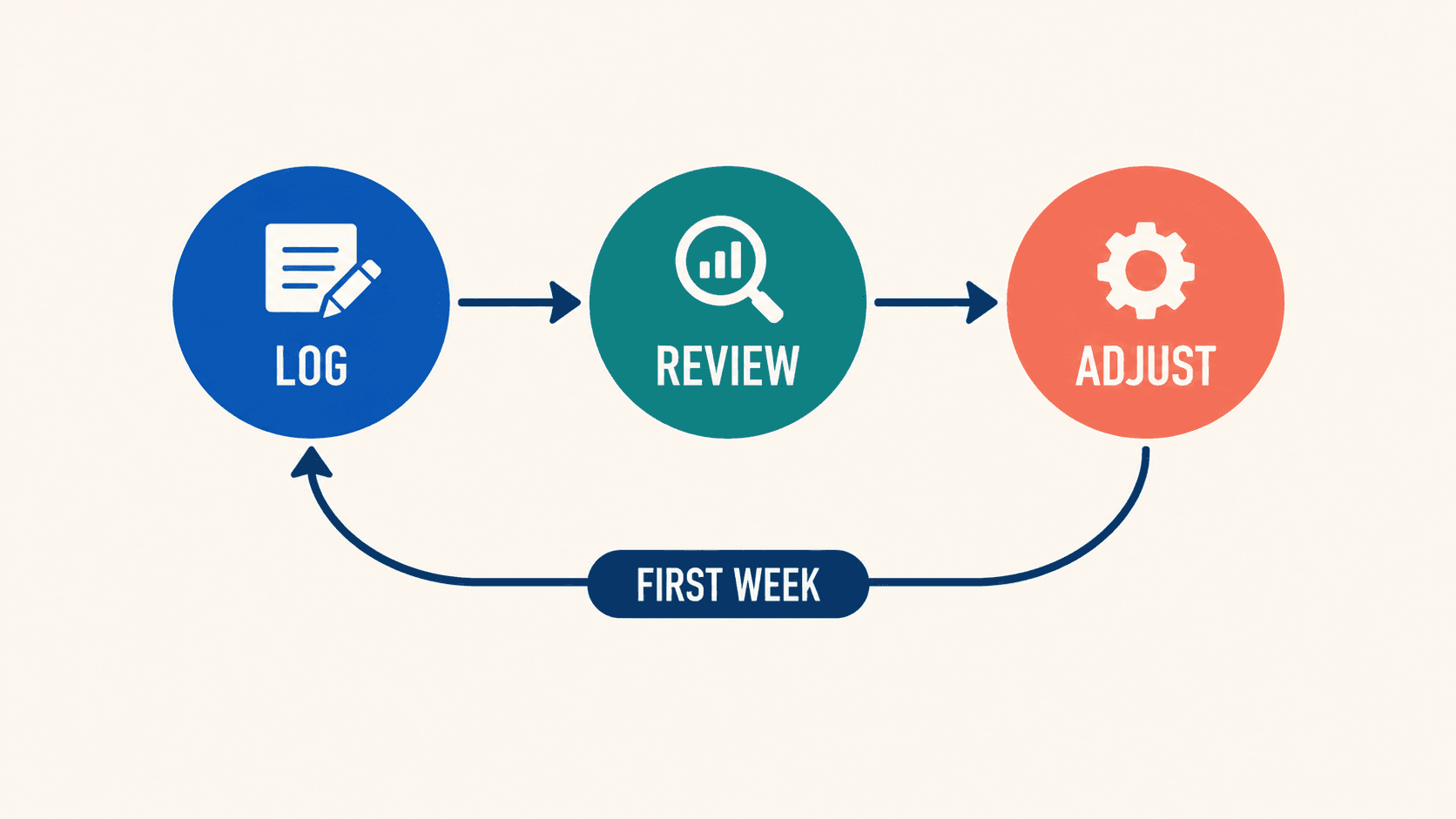
The useful pattern is specific. You might see that protein missed the floor on two injection days even though total calories looked controlled. You might see that the restaurant dinner was not the real problem because lunch disappeared first and Eat Out only had to clean up a day that was already behind. You might also see that what felt like a calorie-target issue was really noisy wearable metrics plus one unlogged meal, not a broken plan.
The diagnosis stops sounding like "I need to try harder" and starts sounding like "I need a lunch trigger on dose day." Or "I need fuel://eat-out at the restaurant, not later in the parking lot." Or "I do not need more automations. I need to fix the one day that keeps dragging protein under target."
If the same miss shows up two weeks in a row, it earns an automation. If it only shows up once, observe first.
08One setup session that locks the automation loop
Open Quick Actions and Shortcuts, set up fuel://today, fuel://log/meal, fuel://log/workout, fuel://eat-out, and fuel://coach/weekly-review, then open Today View Personalization and make sure the calorie card shows the version you will actually read.
Then leave the stack alone for two weeks. Let it do its job. When Weekly Review shows you which day keeps breaking the plan, automate only the next decision that would have changed that day.
Related reading: Apple Watch-based calorie targets for body recomposition, Quick Actions and Shortcuts, How to Prevent Muscle Loss on GLP-1s: A Men's Protein Guide
Footnotes
Gollwitzer PM, Sheeran P. Implementation intentions and goal achievement: A meta-analysis of effects and processes. Advances in Experimental Social Psychology. 2006.
Back to textBack to text 2Berry R, Kassavou A, Sutton S. Does self-monitoring diet and physical activity behaviors using digital technology support adults with obesity or overweight to lose weight? A systematic literature review with meta-analysis. Obesity Reviews. 2021.
Back to textBack to text 2Back to text 3
