Live Activity keeps your current nutrition status visible on your lock screen and in the Dynamic Island without opening the app.
01Today Pacing Fasting and Hydration Nudge
Live Activity runs in one of three modes depending on what is most relevant to your day.
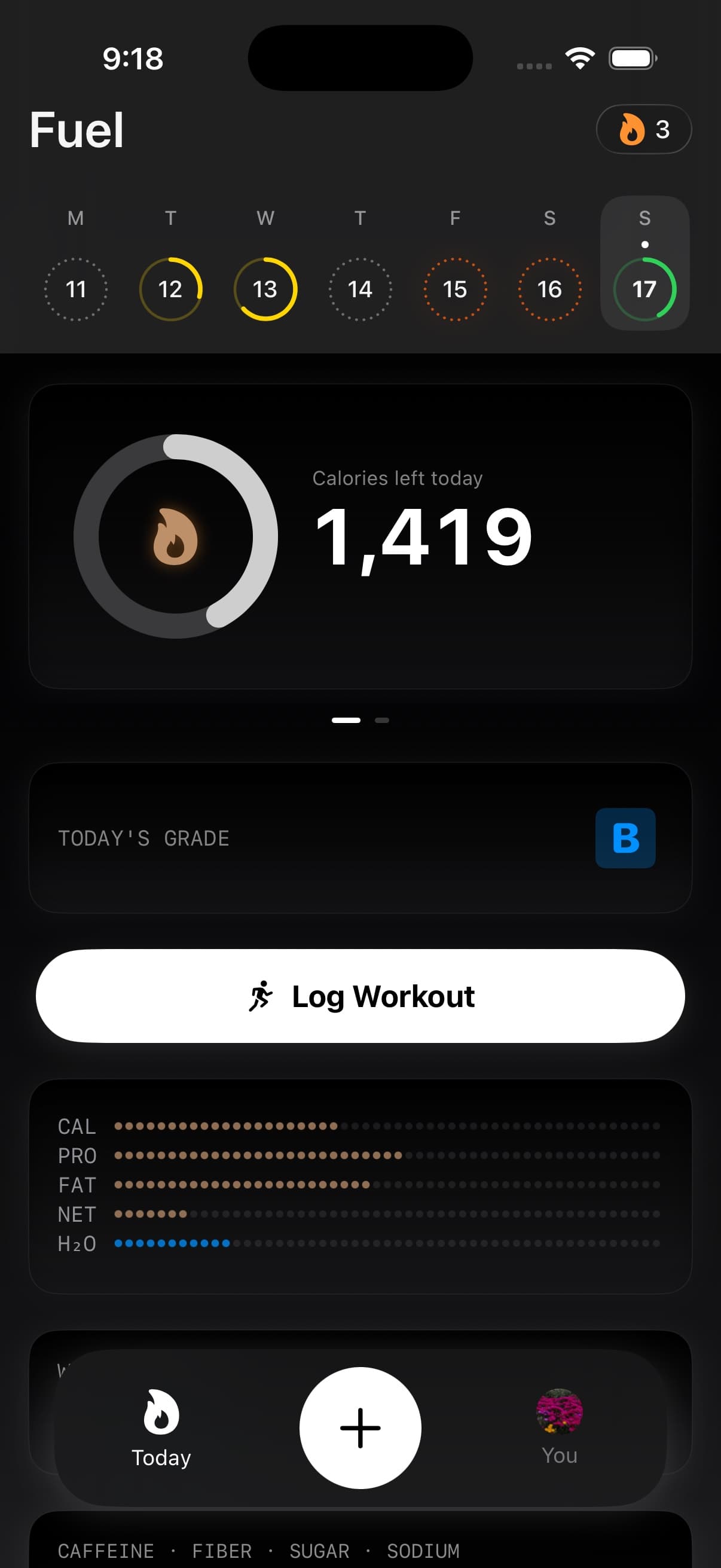
Today Pacing shows your calories remaining with a macro breakdown for protein, carbs, and fat. This is the default mode and the one you will see most often. It updates as you log food throughout the day.
Fasting activates during a fasting window and shows your current fasting stage (catabolic, fat burning, ketosis, or completed) along with estimated extra calories burned. When you are in the fat burning stage, a countdown shows how long until ketosis.
Hydration Nudge shows how much water you have left to reach your daily target. It uses the same target as the water card and hydration detail view on Today.
02Lock screen and Dynamic Island placement
On the lock screen, Live Activity shows an icon, your headline number, and a secondary label. In Today Pacing mode, you also see a compact macro rail with protein, carbs, and fat remaining.
On devices with Dynamic Island, the activity appears in both compact and expanded formats. Tap it to jump directly into the relevant screen in Fuel.
03Live Activity refreshes as you log
Live Activity updates in real time through Apple's ActivityKit as your data changes. Log a meal and the calories remaining update immediately. Start a fasting window and the mode switches automatically.
04Same targets as Energy Balance and Today
Live Activity reflects the same data as your Energy Balance and respects Dynamic Calories if enabled. The fasting mode mirrors the fasting tile on Today, and hydration tracks against the same target shown in Hydration.
GLP-1 Support can make hydration and protein more visible inside Fuel, but Live Activity does not give medication instructions. Treat it as a status surface for the day, then open Today when you need the full card or detail view.
If water or fasting status looks stale, open Today first. The Live Activity is downstream of the same Today data path, so correcting the record in Fuel or Apple Health is the fix.