
GLP-1 support is for making Fuel react to the medication rhythm you already follow. It is not a dosing advisor. When you log dose timing and symptoms, Fuel can shape Today, Coach, reminders, and Apple Watch around appetite, hydration, protein, and smaller-meal days without telling you to take, skip, restart, or change medication.
01Turn it on in App Preferences
Open You, open App Preferences, then open GLP-1 Support.
- Enable GLP-1 support
- Choose your medication mode
- Add the medication start date so Fuel can resolve the current treatment week and phase
- Add the dose amount and unit if you want them recorded
- Set the usual dose day or time for reminder scheduling
- Decide whether appetite-curve coaching should be active
Weekly medications use a weekly day and time. Daily medications use a daily reminder window. Manual protocol tracking stays tied to your own check-ins instead of automatic medication interpretation.
02Log doses when they happen
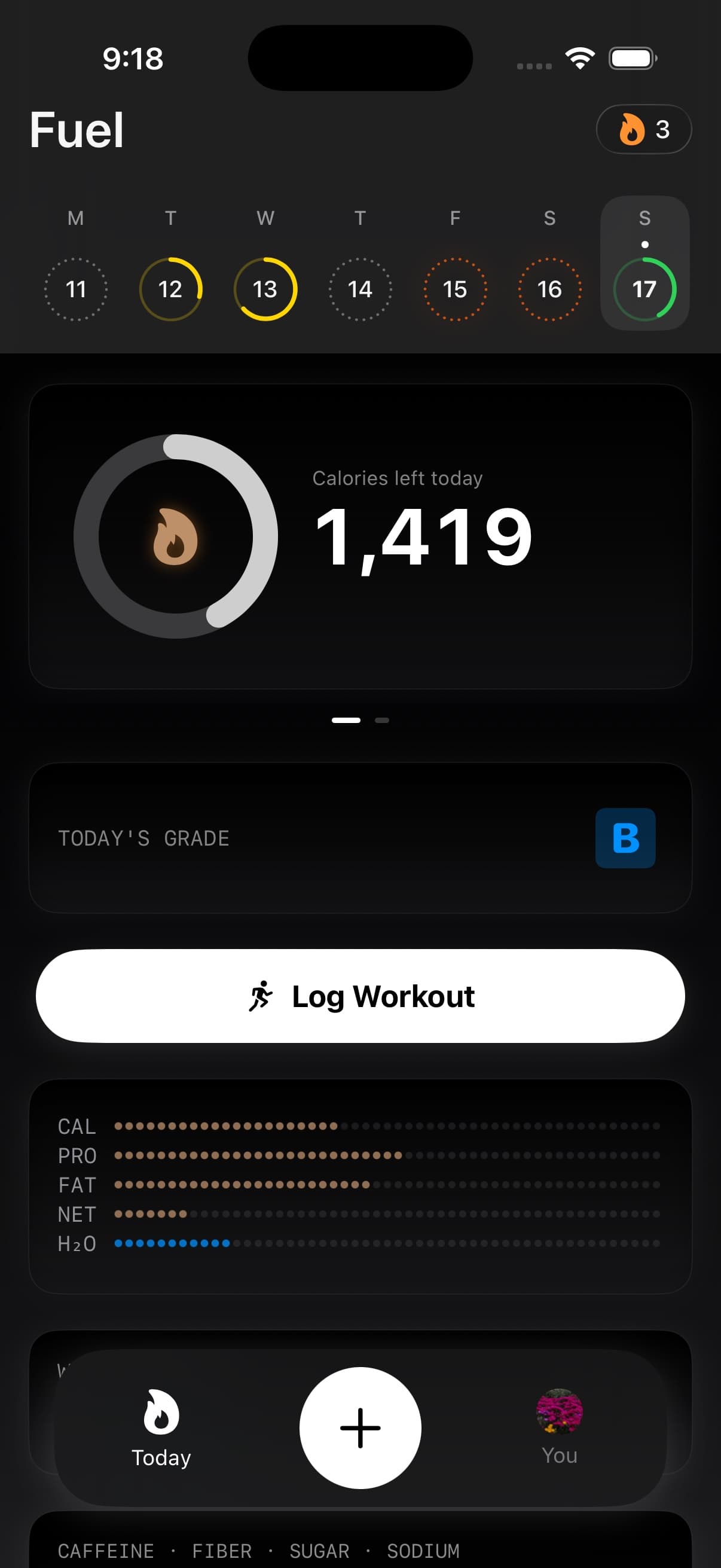
The Today GLP-1 tile is the fastest place to work from after setup. It can show the medication phase, cycle day, last dose, next dose, and symptom badges. Opening the tile gives you the dose check-in action and the symptom grid.
Log the real dose check-in rather than trying to make the calendar look tidy. Fuel uses your dose history to place the day inside the cycle, update reminder context, and keep coaching surfaces working from the same state.
If a dose is late or missed, use your medication label and prescriber instructions. Fuel keeps schedule context and reminders organized. It does not decide whether you should catch up, skip, restart, or change a dose.
03Track symptoms enough to explain the day
Fuel's symptom grid tracks nausea, constipation, diarrhea, reflux, low appetite, and fatigue. You do not need a long note. You need enough signal for Fuel to understand why a normal meal target may feel different today.
The symptom entry can affect meal guidance. Nausea can push suggestions toward gentler, easier textures. Constipation can make hydration and fiber pairings more visible. Low appetite can bias guidance toward compact protein and smaller meal formats.
Use symptoms when they change what you can realistically eat or drink. A normal day with no symptom entry is still useful because it keeps the rough days from looking like the baseline.
04How Today and Coach change
GLP-1 support adds an adaptive layer on top of your existing plan. Your plan remains the source of truth. Protein can be raised to a floor when the GLP-1 context calls for it, and calorie floors are treated as minimum-intake guardrails rather than replacements for your target.
Today can surface the GLP-1 tile when support is enabled. Coach Day Plan, next-meal coaching, Daily Review, and Weekly Review can use the same context, including treatment week, dose counts, symptom entries, hydration urgency, protein floor status, and whether the day fell below the calorie floor.
The practical result is simple. The app should be more protective on low-appetite days, more direct about protein and fluids, and less generic when the medication cycle explains why the day feels different.
05Apple Watch and reminders
Apple Watch can mirror the GLP-1 status from iPhone. The watch summary can include whether support is enabled, medication mode, phase label, cycle day, hydration urgency, and protein floor. Treat it as a glanceable status surface. Setup and detailed logging still belong on iPhone.
Dose reminders follow the schedule you set. They are check-in reminders, not medical instructions. If a reminder fires at a bad time, update the schedule in App Preferences so the nudge matches the routine you already follow.
06Safety boundaries
Fuel helps you track nutrition, symptoms, and medication-cycle context. It does not diagnose side effects, prescribe medication behavior, or replace your clinician's instructions.
Use your care plan for starting, stopping, titrating, catching up, or skipping medication. Use medical help for severe, persistent, or alarming symptoms, dehydration concerns, repeated vomiting, or any symptom pattern your clinician told you to treat as urgent.
The best use of Fuel is a clear record. Log the dose, log the symptom pattern, keep protein and fluids visible, and bring the record to the person responsible for your medical plan.
