
Fuel Free lets you try food logging, follow today’s progress, and open your first daily and weekly reviews. Fuel Pro adds ongoing reviews, more history, and unlimited food logging.
01What changes on Pro
Free and Pro use the same product model. The difference is access to history, reviews, and the volume of AI assisted workflows.
| Feature | Free | Pro |
|---|---|---|
| Next meal coach | 24-hour trial from first open | Ongoing access |
| Food logging | Up to 7 food entries per configured week | Unlimited logging |
| Health Grade | Today’s grade and detail | Today’s grade plus past-day detail |
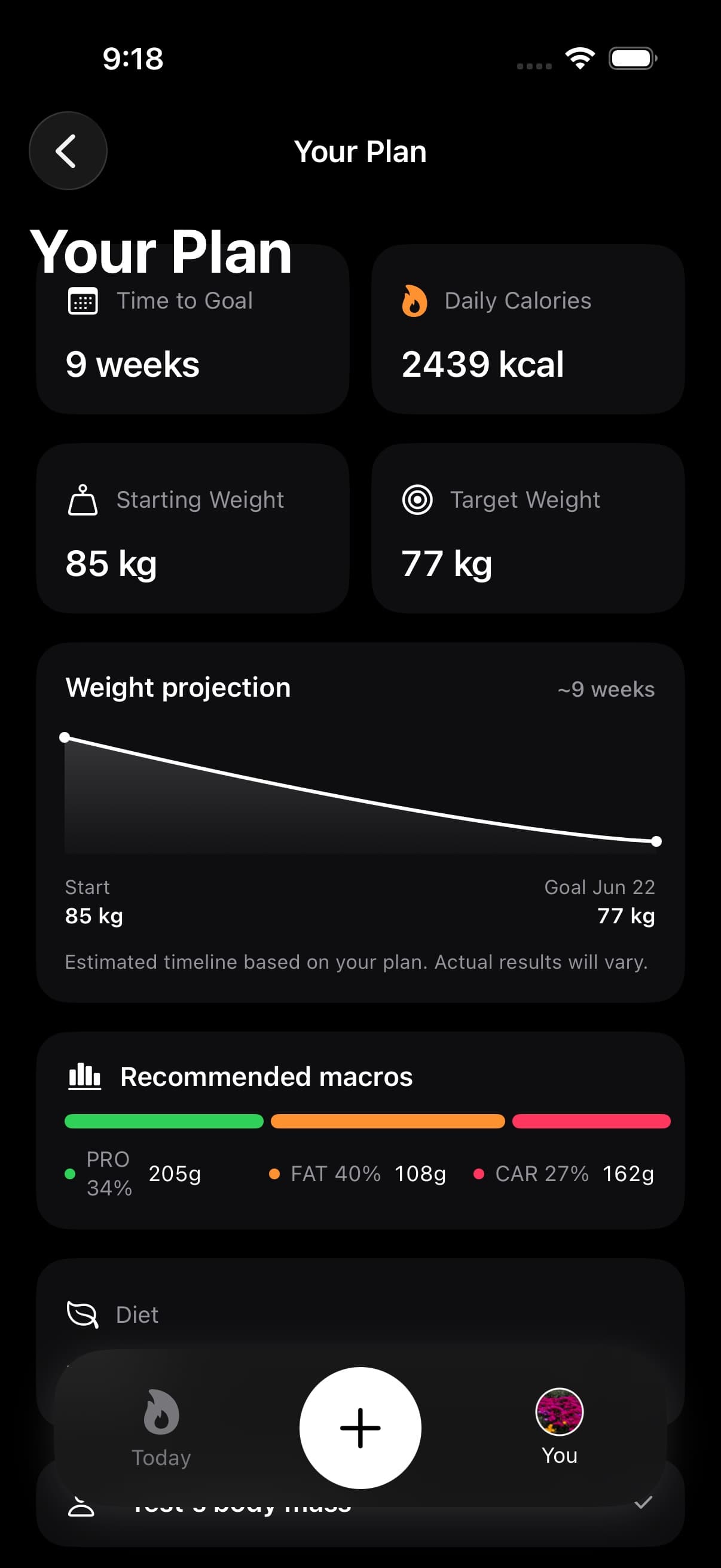
| Plan progress | Locked | Full plan progress |
| Daily review | First review open for your profile | Ongoing daily reviews |
| Weekly review | First review open for your profile | Ongoing weekly reviews |
| Reports and PDFs | Current PDF, no archived phases | Current PDF with archived phases |
| Timeline | Today’s detail and sidebar summaries | Previous-day detail |
| Fuel Score | Optional tile with locked detail | Full score and contributors |
| Nutrient Insights | Locked | 30-day food coverage review |
| Nutrition widgets | 3 widgets | 10 plus widgets |
| Recipe library | Preview only | Full recipe details and logging |
| Food Library | Available | Available |
| Fasting | Locked card when an eligible fast is present | Full fasting experience |
| Badges | Available | Available |
The food allowance follows your Week Starts On preference. Photo and text entries share the allowance; it is not seven uses of each logging method. Water, weight, and workout entries do not use it. The free daily and weekly review allowances do not reset each week.
Fuel Score is off by default. Free users can enable its tile in App Preferences, but opening the score requires Pro. Nutrient Insights also requires Pro and needs enough logged food days before it can assess a pattern.
The optional History sidebar is available on both plans. Free can see day summaries there; selecting a previous day or its historical Health Grade requires Pro.
Reports can include available body measurement evidence in the current report on either plan. Archived report phases and archived PDF history require Pro. Progress photos are separate from report evidence.
02If your subscription ends
Fuel does not erase your record when Pro ends.
Fuel keeps its saved records, and data already written to Apple Health remains there. If your subscription lapses, Fuel follows Free access limits until you resubscribe. Some history and review screens become locked, while current-day tracking remains available within Free limits.
03Managing your subscription
Fuel subscriptions are managed through Apple.
- Open iOS Settings.
- Open your Apple ID subscription settings.
- Select Fuel and change plan or cancel.
If you switch devices, sign into the same Apple ID and restore purchases.
04Restoring purchases
- Confirm the iPhone is signed into the Apple ID that owns the subscription.
- Open Fuel and use the restore purchases action if the app shows Free status.
- If the status does not update, confirm network access and try again after a short delay.
If you still cannot restore, use Troubleshooting to check the common causes before contacting support.
