
Adjusting macronutrients edits your plan targets directly, overriding the generated plan without rerunning plan calculation.
01Calorie and macro target overrides
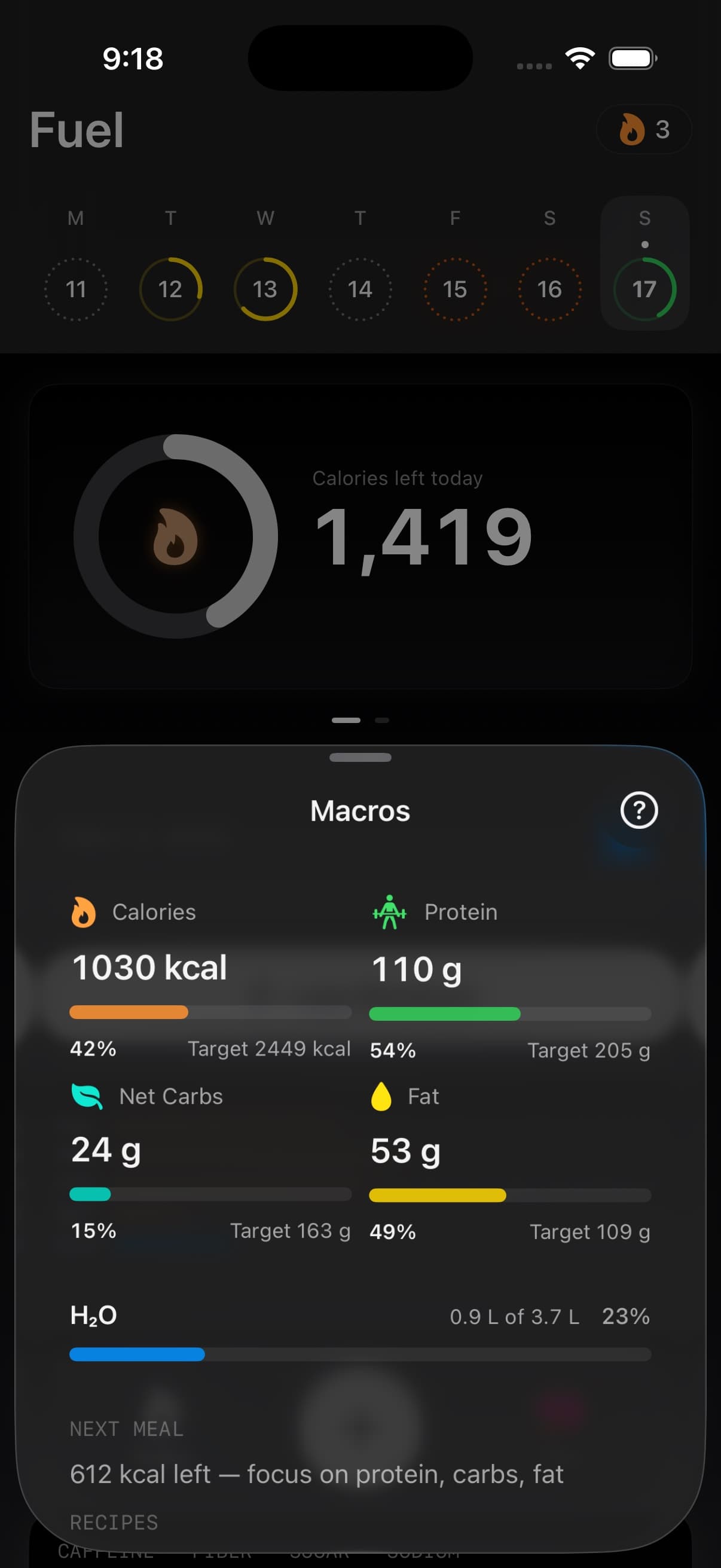
Fuel stores a daily plan as four targets: daily calories, protein grams, carbohydrate grams, and fat grams.
These values are used as the default targets in Today, widgets, and reviews. When they exist, they take precedence over the plan values that would be computed from your profile inputs.
02What an override means in Fuel
An override is a direct write to the stored plan targets, followed by marking the plan as custom.
That design has one goal. It lets you change execution targets immediately without restarting onboarding, changing your demographic inputs, or waiting for a new generated plan.
Tap a target
Change the number
Save

Result
Plan targets are updated in place
Plan is marked as custom
Targets propagate across Today, reviews, and widgets03How to adjust targets
- Open You
- Open Adjust Macronutrients
- Tap Calories, Protein, Carbs, or Fat
- Use the stepper to change the target, then tap Done
Calories move in 10 kcal steps. Protein, carbs, and fat move in 5 g steps.
04Where the override is applied
Fuel applies the stored plan targets as the day’s default constraints.
Today uses the stored daily calories as the calorie goal and uses the stored macro grams as macro targets. Daily and weekly reviews read the same targets when they summarize adherence and distance from plan.
When a plan is marked as custom, coaching context can surface the targets as plan overrides so you can distinguish between the generated recommendation and the targets you chose to run.
05How overrides work with Dynamic Calories
Manual macro targets still matter when Dynamic Calories is enabled.
Dynamic Calories can move the calorie goal when your activity is ahead of baseline, but the saved macro targets remain the plan structure Fuel uses for Today, reviews, widgets, and coaching context. If your calorie target moves often, check that protein, carbs, and fat still match the way you want to eat on higher and lower activity days.
06Restoring the generated plan
When your plan is custom, Fuel shows a Use Coach Plan action.
Use Coach Plan rewrites your stored targets back to the generated recommendation and clears the custom flag. It also resets the plan timeline fields to treat the restored plan as a fresh start for progress tracking.
07When to generate a new plan
Manual adjustments change targets. Plan generation changes the model that produced the targets.
Use Update Daily Plan when you want Fuel to recompute calories and macro distribution from your profile inputs such as goal type, diet preference, activity level, and speed. That flow creates a new generated plan and updates the plan timeline start.
08Net Carbs vs carbohydrates
Net Carbs is a display preference, not a separate saved plan.
If you turn on Net Carbs, Fuel subtracts fiber from the carb budget display in the parts of the app that guide your day. That can make the day easier to follow if you count digestible carbs.
Your saved plan targets are still your plan targets. If you want to change the actual calories, protein, carbs, or fat in the plan, adjust the targets directly here.
09Keep macro grams aligned with calories
Fuel treats calories and macro grams as independent constraints.
Protein, carbohydrate, and fat targets can imply a calorie total that differs from your daily calories target. Decide which constraint is primary for the next week, then adjust the others to match that intent.
- Hold calories fixed when you want a stable deficit or surplus and you are only changing macro distribution
- Hold protein fixed when recovery and satiety are the limiting variables, then move carbs and fat inside the calorie budget
- Hold carbs fixed on training blocks where performance depends on glycogen availability, then allocate the remaining calories across protein and fat
Use Energy Balance and your weight trend to validate the change over one to two weeks, since a target is only useful when it produces a predictable outcome.
