
Net Carbs lets Fuel subtract fiber from your carb budget display, so you can follow a lower-carb approach and keep the rest of your day easy to read.
01What Net Carbs changes
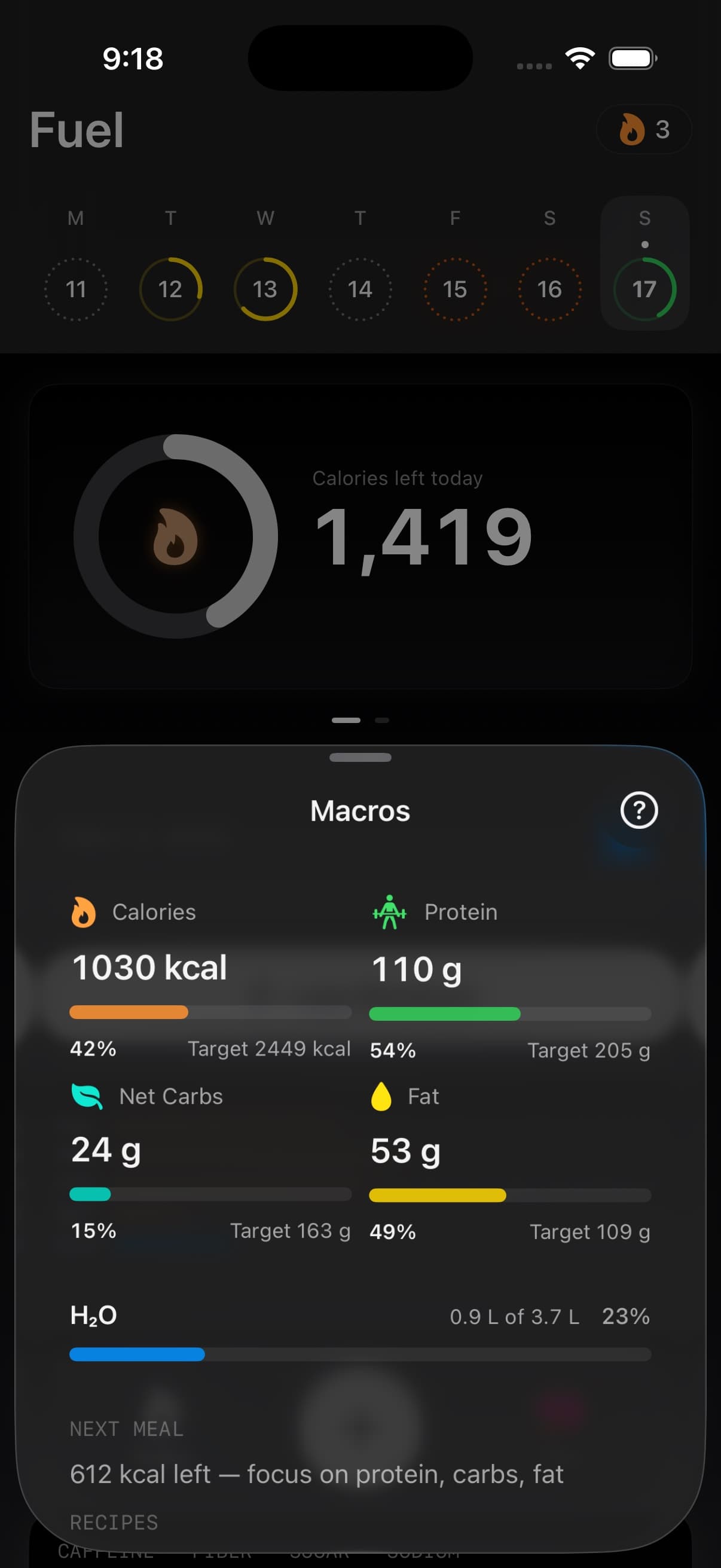
When Net Carbs is turned on, Fuel subtracts fiber from your carb budget display. This changes how carb progress is shown in the parts of the app that guide your day.
Your logged food data stays unchanged.
02Where to turn it on
You can turn Net Carbs on in App Preferences.
- Tap You tab
- Open App Preferences (Gear Icon)
- Turn on Net Carbs
The setting description in Fuel says Subtract fiber from carb budget.
03What Net Carbs changes on Today and macros
Fuel starts showing Net Carbs in the places where carb budgets guide decisions through the day. On Today, carb labels change from carbohydrates to Net Carbs. You may also see Net Carbs in widgets, watch views, shortcuts, and coaching where Fuel talks about the carbs you have left.
This makes it easier to stay consistent if you count digestible carbs rather than total carbs.
04When Net Carbs is useful
Net Carbs is a good fit if fiber-heavy foods make your carb budget look tighter than it feels in real life. If you already think in Net Carbs, this keeps Fuel aligned with the way you plan meals.
If you prefer to track all carbohydrates exactly as listed on labels, leave the setting off.
05Net Carbs and your plan
Net Carbs does not create a new calorie plan. It does not rewrite your saved food entries. It simply changes the carb budget view that Fuel uses when it shows your day.
If you want to change your actual calorie or macro targets, use Adjusting Macronutrients.
Reviews and reports can still refer to the underlying food records because those records keep total carbohydrate and fiber data. Net Carbs changes how the carb budget is presented, not the nutrition data saved behind the scenes.
