
Fuel changes calorie targets only when the evidence behind the day changes: your plan, Apple Health burn, food logs, weigh-ins, rollover, and data quality rules all decide whether the number should move or hold.
01Dynamic Calories vs Dynamic TDEE
Fuel has two different ideas that are easy to mix up.
Dynamic Calories is the daily target mode. It decides whether today's visible calorie goal should stay fixed or move with activity. Dynamic TDEE is the longer-term expenditure estimate. It asks whether your recent burn and weight trend suggest your baseline has changed.
Those systems work together, but they are not the same calculation. Dynamic Calories can change today's target as Apple Health activity comes in. Dynamic TDEE moves more slowly because it waits for enough energy and body-mass data to separate signal from noise.
| Term | What it means | Where you see it |
|---|---|---|
| Plan calories | The stored calorie target from your plan | Nutrition Planning, Energy Balance |
| Burn baseline | Fuel's best read on the day's burned energy | Energy Balance |
| Dynamic Calories | Daily Goal mode that uses burn baseline plus your plan adjustment | Today, widgets, Daily Review, Weekly Review |
| Dynamic TDEE | Longer-term TDEE estimate from recent burn and weight trend | Energy details, coach context, reviews |
| Rollover | Eligible unused calories carried forward, capped at 200 kcal | Today and Energy Balance |
The practical rule is simple: use Dynamic Calories when your activity changes meaningfully across days, use weigh-ins so Dynamic TDEE can learn whether the baseline still fits, and use reviews to audit the pattern before changing the plan.
02The inputs Fuel trusts
Fuel starts with records you can inspect. A target change should come from those records, not from a coach message guessing at your metabolism.
| Input | What Fuel reads | What it can change |
|---|---|---|
| Plan settings | Goal, plan calories, maintenance calories, speed, macros, Daily Goal mode | The target direction and plan adjustment |
| Apple Health energy | Basal energy, active energy, workouts, step context | Burn baseline, Dynamic Calories, Energy Balance, reviews |
| Food logs | Calories, macros, meals, drinks, logged-day coverage | Remaining calories, adherence checks, reviews, Health Grade |
| Weigh-ins | Body-mass samples from Fuel or Apple Health | Weight trend, Plan Progress, Dynamic TDEE adjustment |
| Day policies | Fasting days, cheat days, service outage days, excluded days | Rollover eligibility, review coverage, progress scoring |
| Data quality | Missing logs, partial Health data, low evidence, duplicate sources | How strongly Fuel can interpret the result |
Fuel treats these inputs differently. A workout can move today's activity evidence. A week of weigh-ins can adjust a longer-term baseline. A missing dinner log can make the day look better than it was, so Fuel should be cautious before turning that day into a lesson.
03How Fuel builds the burn baseline
Energy Balance compares what you ate with what Fuel thinks you burned. That burn baseline is not a blind copy of one watch number.
On completed days, Fuel prefers observed basal energy plus observed active energy from Apple Health when those values are available. Basal energy is the energy your body uses at rest. Active energy is movement and training energy. Together they form the most direct completed-day burn record Fuel can read.
On the current day, the day is still being built. Apple Health can sync late. Basal energy accumulates over time. Active energy can jump after a workout syncs. Fuel starts from a recent burn baseline, then unlocks more calories only when observed activity is ahead of the expected activity for that point in the day.
That means Dynamic Calories does not add every workout as a second bonus. The active energy is already part of the burn side of the model. If a workout syncs through Apple Health, it can increase active-energy evidence and may raise the Dynamic Calories target when activity is ahead of pace. It should not be stacked again as a separate workout-calorie add-on.
04How your target changes today
Plan Calories mode keeps the visible target stable.
today's calorie goal = plan calories + eligible rolloverDynamic Calories mode lets the target follow the day.
today's calorie goal = burn baseline + plan adjustment + eligible rolloverThe plan adjustment preserves the purpose of the plan. If your plan is a deficit, Dynamic Calories does not turn a high-activity day into maintenance by default. It raises the target around a moving burn baseline while keeping the deficit intent. If your plan is a gain phase, the same idea applies in the other direction.
Rollover is separate. Fuel can carry forward up to 200 unused calories from an eligible prior day. Rollover does not stack without limit, and it can be unavailable when the prior day lacked the needed logs or was excluded by a day policy.
| Situation | What Fuel should do |
|---|---|
| Plan Calories day | Keep the plan target fixed unless rollover applies |
| Dynamic Calories high-activity day | Raise the target when activity is ahead of expected pace |
| Dynamic Calories rest day | Keep the target closer to the recent burn baseline |
| Completed day | Prefer observed basal plus active energy when Health data exists |
| Duplicate workout source | Show a burn number that may be too high until Apple Health source data is fixed |
This is why the same plan can show a different target on two different days. The plan direction stayed the same. The evidence behind the day changed.
05How Dynamic TDEE learns over time
Dynamic TDEE is slower because it is trying to update the baseline, not just the current day.
Fuel looks at the previous seven full days of total burn from Apple Health. Total burn means basal energy plus active energy. Fuel needs at least three usable energy days before that recent burn estimate becomes useful.
Then Fuel checks recent body-mass data. When at least four recent weigh-ins exist, Fuel applies a recency-weighted 14-day weight trend adjustment. That adjustment is capped at 300 kcal per day in either direction so one noisy span cannot rewrite the baseline too aggressively.
This is why one weigh-in can update your profile and chart without immediately changing Dynamic TDEE. The scale is noisy. Water, glycogen, digestion, travel, sodium, and training soreness can all move body mass for reasons that are not fat gain or fat loss. Fuel waits for a pattern before letting body weight push the energy estimate.
06Why the current day and Dynamic TDEE use different windows
Current-day Dynamic Calories and Dynamic TDEE answer different questions.
Current-day Dynamic Calories asks what target should apply today as activity comes in. It starts from a recent burn baseline and expected active-energy pace, then unlocks more target room if activity is ahead of that pace.
Dynamic TDEE asks whether your longer-term expenditure estimate should change. It uses seven full energy days and a 14-day weight trend because baseline changes need more evidence than a single workout or one high scale reading.
Do not treat those as interchangeable. Today's target can move because today's activity is ahead of pace. The longer-term Dynamic TDEE baseline should move only when recent burn and weight-trend evidence support it.
07What missing logs and Health data change
Fuel can only explain the day it can see.
| Missing or distorted signal | What changes | What does not change |
|---|---|---|
| No recent active energy | Dynamic Calories may have less burn evidence | Your stored plan still exists |
| No readable basal energy | Completed-day burn can be weaker or fallback-driven | Food logs and plan targets still work |
| Sparse weigh-ins | Dynamic TDEE may hold the weight adjustment at zero | Energy Balance can still use plan and activity data |
| Partial food logs | Reviews should interpret intake carefully | Fuel should not assume missing food was zero |
| Duplicate workouts | Burn can look too high | The fix is source cleanup, not more calorie cutting |
| Excluded day | Rollover or progress scoring may be blocked | The day can still appear in history |
This is also why Fuel separates data quality from effort. A sparse week is not automatically a failure. It is a weaker evidence set. Daily and Weekly Review should say when the data is thin instead of pretending the answer is clean.
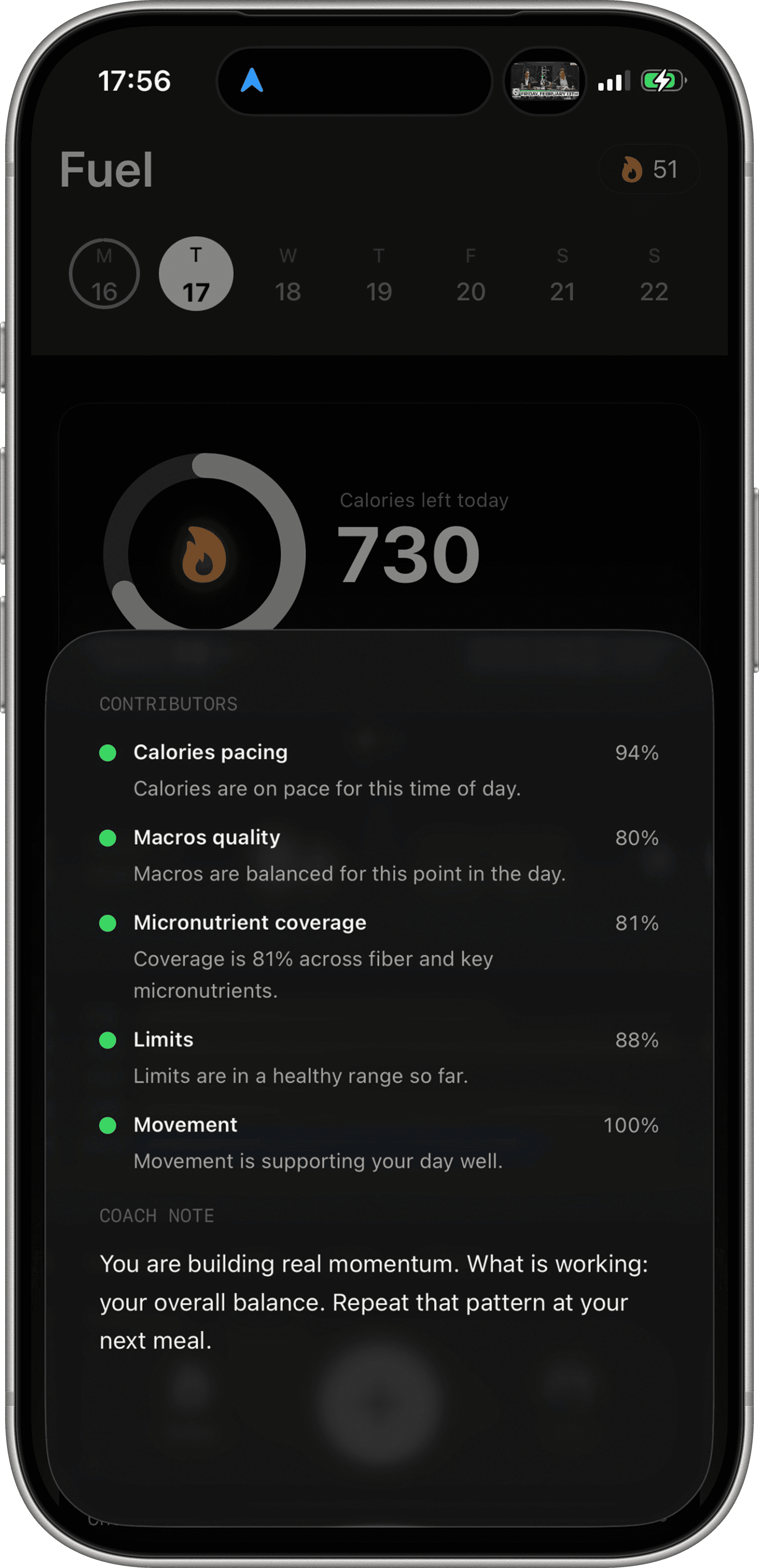
Health Grade has its own confidence behavior, but it is not a confidence range around your calorie target. Health Grade is a daily execution signal built from movement, calorie pacing, macros, micronutrients, and limits. The energy model supplies part of that context, not the whole grade.
08How Daily and Weekly Review read energy inputs
Daily Review reads the day that already happened. It uses the active plan for that date, the target, food logs, burn context, Health Grade, macros, and goal-date movement to explain what yesterday means for today's first decision.
Weekly Review looks for patterns. It reads seven days of food, drinks, activity, weight, targets, Health Grade, progress signals, and coverage. A high-calorie dinner once is a different problem from five low-protein days. A single scale spike is a different signal from a repeated trend.
The coach language is an explanation layer. It receives structured context and turns the numbers into a decision. It should not be described as the thing that manually changes the target. The target comes from deterministic plan, burn, rollover, and Dynamic TDEE calculations.
Plan Progress uses the same kind of evidence for a different question: whether the goal timeline still makes sense. Health Grade uses some of the same inputs for daily execution. Energy Balance is the place to audit the calorie math for one day.
09When the number looks wrong
Start with the record before changing the plan.
- Confirm Apple Health can read active energy and basal energy in Apple Health Permissions.
- Check whether the watch was worn and synced.
- Look for duplicate workouts or overlapping energy sources in Apple Health.
- Confirm recent body-mass samples exist if you expected Dynamic TDEE to adapt.
- Check whether the day is using Plan Calories or Dynamic Calories.
- Check whether rollover was eligible.
- Check whether fasting, cheat day, or service outage policy excluded the day.
- Confirm meals, drinks, sauces, snacks, and alcohol were logged.
If the target still looks wrong after those checks, use Energy Balance for the day-level audit, Weigh-ins and Weight Trend for baseline adaptation, and Weekly Review before changing the plan.
10Limits of the Fuel Energy Model
The Fuel Energy Model is not a metabolic chamber. It is not blind trust in Apple Watch calories. It is not a coach manually moving your target because a message sounded persuasive. It is not a punishment system for missing a target. It is not instant recalculation from one weigh-in.
It also is not magic protection against incomplete logs. If breakfast and lunch are logged but dinner is missing, the day can look artificially low. If duplicate workouts inflate Apple Health active energy, the burn side can look artificially high. The model is only as honest as the record behind it.
That is the standard to use when reading any target change: first check the evidence, then judge the pattern, then adjust the plan.
