
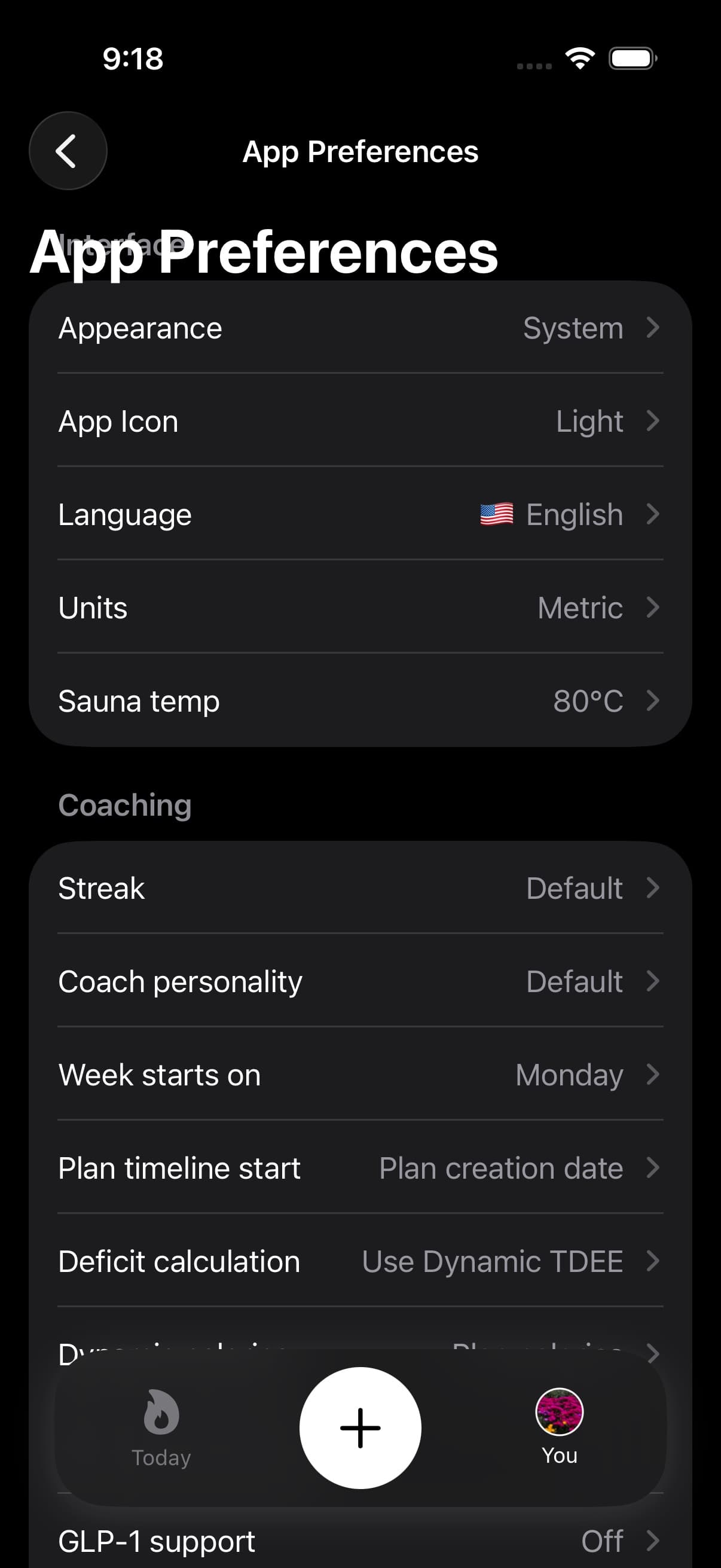
The coaching in Fuel adapts to how you prefer to receive feedback. Coach Personality controls the tone, and Coach Context gives the coach personal details that make recommendations more relevant.
01Coach Personality
Personality shapes the voice of every coaching surface: Daily Review, Weekly Review, post-log notes, assistant handoff, and the limited realtime voice coach beta when it is available.
| Personality | Style |
|---|---|
| Default | Balanced and pragmatic |
| Empower | Autonomy-supportive. Collaborative language, reinforces your competence and agency |
| Inspire | Visionary. Connects daily actions to your bigger picture and long-term direction |
| Anchor | Friendly accountability. Metrics-forward with direct, practical feedback |
| Direct | Concise strategist. Clear directives, explicit targets, minimal ambiguity |
| Reflect | Reflective and question-driven. Draws out your own thinking and barriers |
To change your personality, open You and tap Coach Personality.
If you are not sure which to pick, start with Default and switch after a week if the tone feels too generic. Anchor works well if you want numbers-first feedback. Empower works well if coaching that tells you what to do feels pushy.
02What Coach Context includes
Coach Context is where you tell Fuel about yourself beyond what the data shows. Open it from You under your plan settings.
Context includes your weekly activity level, diet preference, goal type, target weight, obstacles, and motivations. The coach uses this information to shape meal suggestions, review language, and plan adjustments.
The more specific your obstacles and motivations are, the more targeted the coaching becomes. "Late-night snacking after stressful work days" gives the coach more to work with than "snacking."
03Sharing context with other assistants
Coach Context includes a Copy Context option that exports your plan and coaching details as formatted text. Use this to continue a coaching conversation in your preferred AI assistant app. The AI Assistant tile on Today launches your chosen assistant with this context automatically.
04Make coach style match the day you live
- Set a personality that matches how you respond to feedback
- Fill in obstacles and motivations with specific details
- Keep your weekly activity level and diet preference current
- Use Weekly Review to evaluate trends across the full week
