
The recipe library turns recipes into repeatable logs, so your week is easier to execute and easier to review.
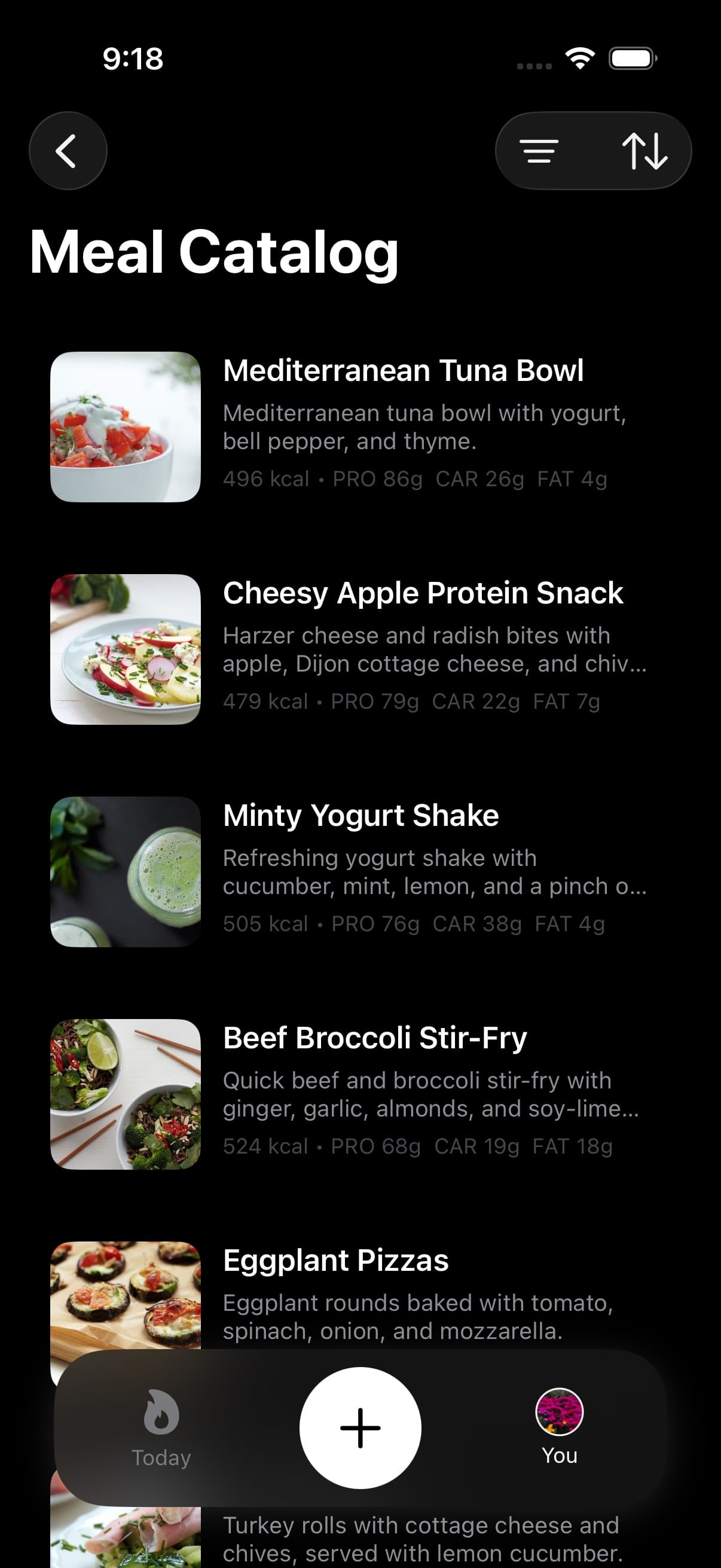
01Repeated recipes keep macro trends comparable
Repeated meals reduce noise. When you use the same recipe template, your trend is easier to interpret because the input variance drops.
Recipes also prevent the common failure mode of logging that is consistent in name but inconsistent in actual macro content.
02Logging a recipe
- Pick a recipe and confirm it matches what you actually made.
- Adjust serving size to match the portion you ate.
- Save the entry so it becomes part of your Apple Health nutrition record.
If you modify an ingredient in a way that changes macros, treat it as a new recipe variant so your future weeks remain comparable.
Use Food Library for single foods or known restaurant and grocery entries. Use recipes when the meal is a repeatable combination where the ingredient mix matters.
03Using recipes to plan a week
Planning is easier when the hardest decisions are made ahead of time.
Use a small set of core recipes as anchors, then adapt sides and snacks based on the day’s activity. That keeps protein stable while allowing energy and carbohydrate to move with the schedule.
04Recipe library Free preview vs Pro logging
Fuel Free offers a preview of the recipe library. Fuel Pro unlocks full recipe details and direct logging.
If recipes are central to your workflow, verify your plan status in Free and Pro.
