
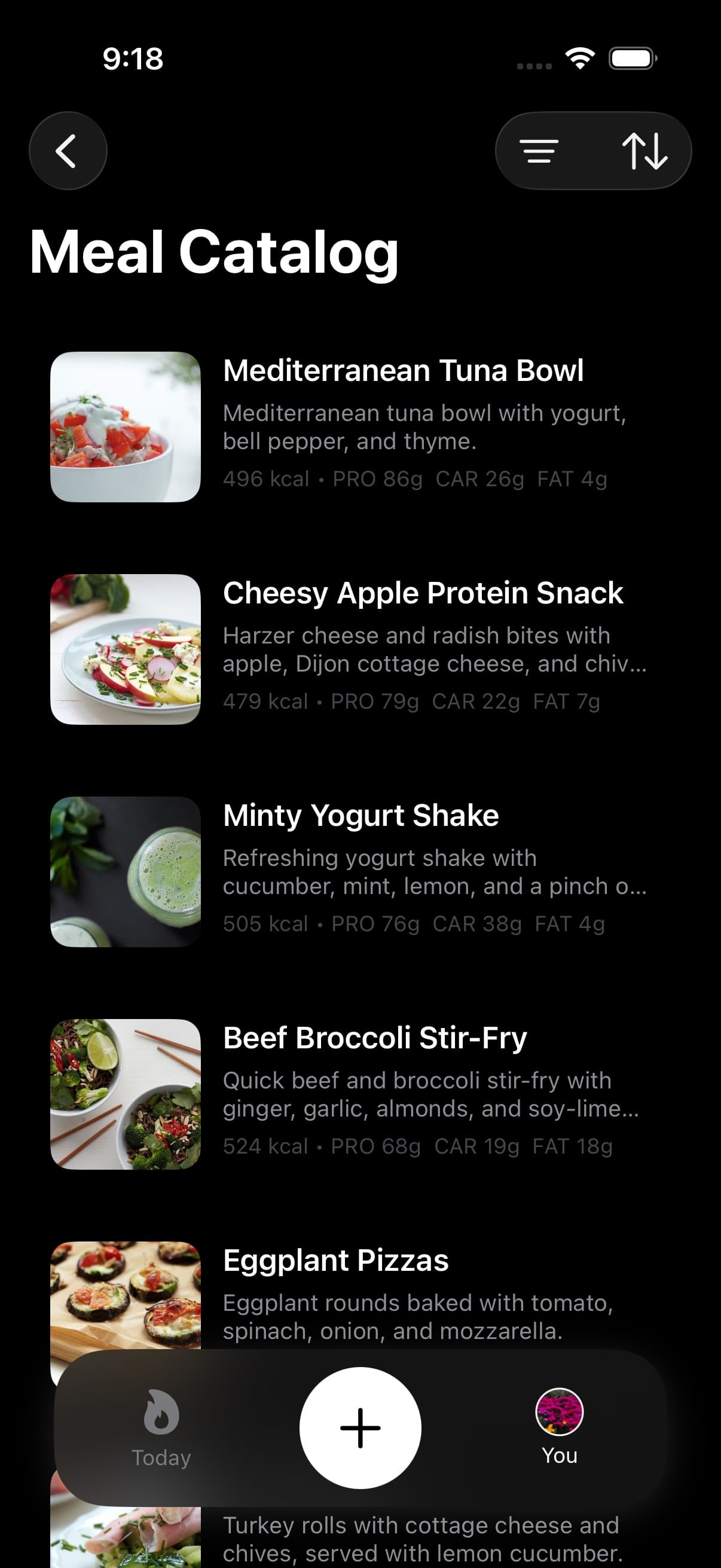
The fastest log is often the one AI never has to interpret. Food Library is Fuel's offline searchable corpus for known foods, packaged products, grocery staples, and restaurant menu items, with more than 225,000 local rows and more than 43,000 approved U.S. and Europe grocery products and restaurant meals.
01How Food Library differs from other logging paths
Food Library is lookup first. Instead of taking a photo or describing a meal for AI to estimate, you search the local corpus, choose the row that matches what you ate, confirm the serving, and save.
That distinction matters when the food is already known. Food Library does not infer meal contents from your profile, coaching history, or a camera frame. It retrieves a stored nutrition row and uses that row as the basis for the log.
| Logging path | Best for |
|---|---|
| Food Library | Known foods, grocery products, restaurant items |
| AI Food Logging | Complex meals, homemade dishes, natural language |
| Food Scanning | Items with a barcode or nutrition label in hand |
| Recipe Library | Saved meals you want to repeat with consistent data |
Use Food Library when you know what you ate and want a deterministic entry without waiting for AI.
02Searching local foods
Type the name of a food, brand, product, restaurant item, or category cue to search the local database. Results show serving size, calories, and macros so you can pick the right match without opening each entry.
Search is the best first move when you know the food name. Try the plain food first, then add a brand, restaurant, preparation detail, or package cue when the first result is too broad.
03Browsing grocery brands and categories
The filter menu lets you switch between All Foods, Grocery Brands, and category browsing. Grocery Brands focuses on branded grocery products and excludes restaurant rows, while categories let you browse the wider corpus by practical food groups.
Use brand browsing when the package or store brand is the thing that makes the nutrition row trustworthy. Use categories when you are comparing options or when the exact product name is not in your head yet.
04Logging from the library
Select an item, confirm or adjust the serving size, and save. The entry writes to Apple Health the same way all Fuel food logs do, so it appears in your daily totals, timeline, and coaching context.
Food Library is also a good fallback when AI is unnecessary. If the food is a known item, a packaged grocery product, or a restaurant menu item already in the corpus, lookup is usually faster and easier to audit than asking AI to estimate the same thing from a short prompt.
