
Food scanning uses AI to turn packaging and nutrition labels into structured entries so logging stays fast without turning into manual transcription.
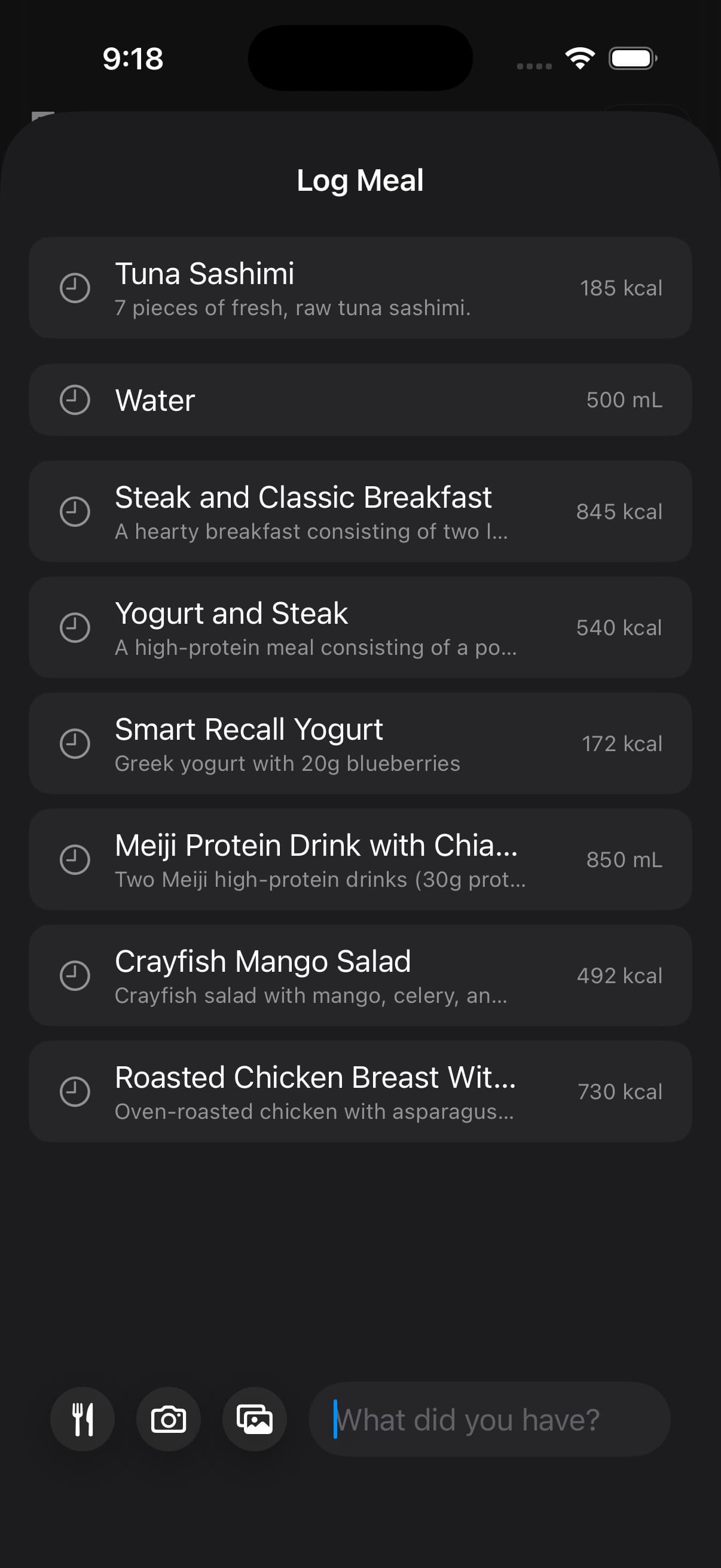
Clean labels are usually correct on the first pass. Edits are mostly for edge cases such as glare, low light, crumpled packaging, partial nutrition panels, and products where serving size is easy to misread.
01When scanning is the right tool
Scanning is most reliable for packaged foods with clear labels, consistent serving sizes, and stable brand variants.
It is also useful when you want repeatability. If you eat the same packaged items often, scanning and saving accurate entries keeps weeks comparable and makes reviews easier to interpret.
You can scan the nutrition panel directly, scan the front of the package, or capture the plate together with the packaging when the label is the best ground truth for what you ate.
02When to use Eat Out instead
Food scanning is best when you already know the food and want to capture it into the log.
If you are standing in front of a restaurant menu and trying to choose what fits your day, use Eat Out instead. Eat Out scans the menu and ranks meal options for your remaining calories and macros before you order.
03What to verify before you save
Scanning should be treated as a proposal that you verify.
Serving size is the highest impact check, because one serving error can move every macro. Then confirm that the item variant matches what you actually ate, since similar packaging can map to different nutrition labels.
If the entry includes cooked vs raw assumptions, make the choice explicit and stay consistent across repeats.
04Using feedback to correct the draft
Fuel can read labels even when your first scan is imperfect, and it can also take feedback when the proposed entry is close but wrong.
If something seems off, correct the draft before you save it. Common fixes include portion size, missing add-ons that are not obvious in the photo, and label details such as per serving versus per container.
- Use two servings.
- Use the per container totals, not per serving.
- Add the oil used in cooking.
- The label is for the cooked product, not dry weight.
The goal is not to win the first scan. The goal is to converge on a template that you can repeat without rethinking the product every time you eat it.
05Fixing a wrong match
If a scan maps to the wrong item, do not accept it and hope the week averages out. Correct it immediately so trend and reviews learn from the right record.
Use the closest correct item, adjust serving size, and then treat the corrected entry as the template for the next time you scan that product.
Use Food Library when you already know the item you want and only need a reliable searchable entry. Use scanning when the label or package is the fastest way to capture the food in front of you.
06Scanning and Apple Health
Fuel writes nutrition categories into Apple Health when you grant write permission. If a scanned entry does not appear in your log, check Apple Health permissions first, since missing write access prevents the record from being saved where Fuel expects it to live.
If scanning results look consistently wrong, use AI Food Logging and Food Logging to choose the capture method that is easiest to verify for that type of meal.
