
Fuel is designed so your health record stays under your control, with Apple Health as the storage layer and permissions as the enforcement layer.
01Where your data lives
Apple Health stores your activity, workouts, nutrition logs, and body metrics on your device. Fuel reads and writes only the categories you allow.
Fuel does not store your Apple Health history in a Fuel managed cloud database. Your day to day record remains in Apple Health and on your devices.
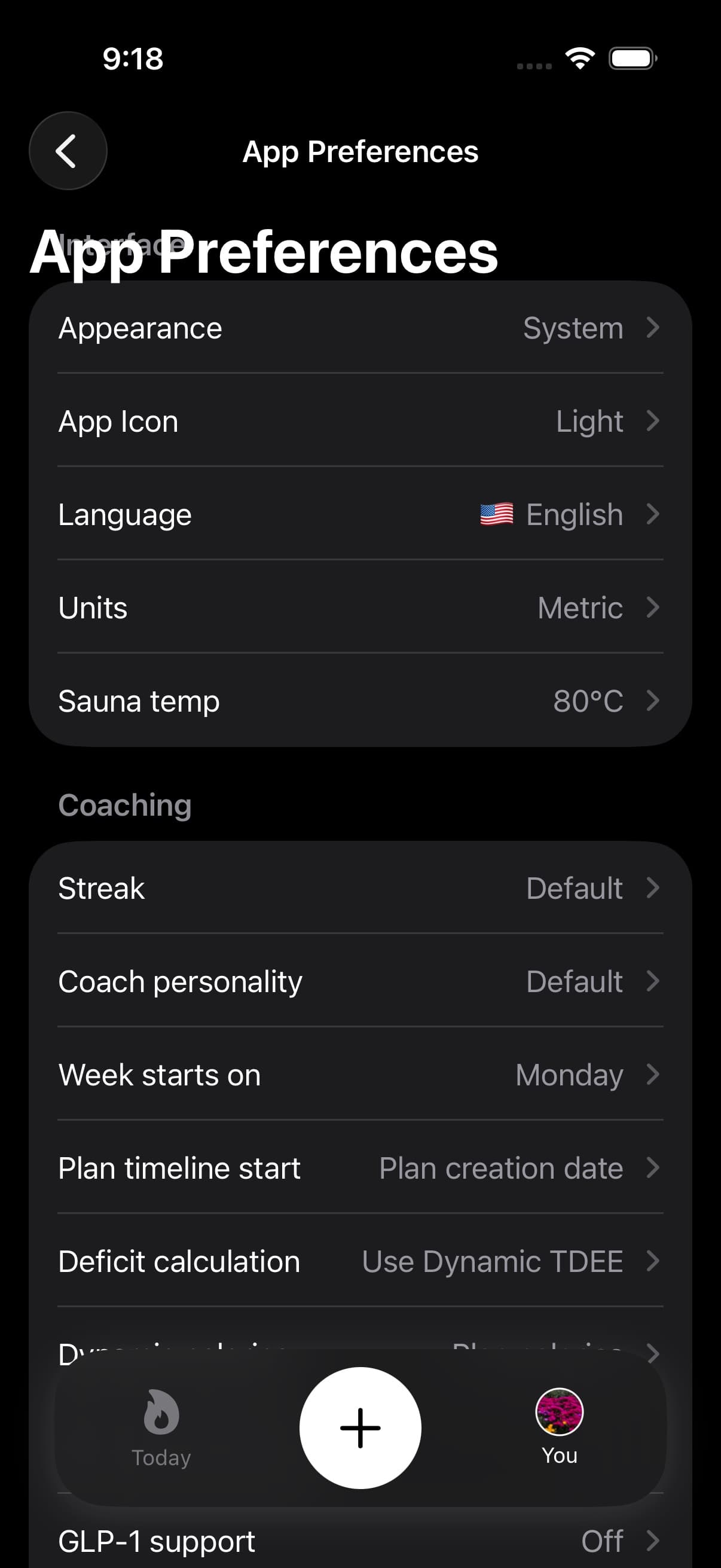
iCloud Backup is different from Apple Health storage. If you turn it on, Fuel backs up setup data such as your profile, plan, preferences, streaks, coaching settings, GLP-1 support state, fasting preferences, sauna defaults, and report-period history so restore is easier on a new device.
02What Apple Health read and write grants do
Permissions are the boundary.
If you deny a category, Fuel cannot access it. If you revoke a category later, Fuel loses access going forward. If you want to audit access, Apple Health provides the category list that Fuel can read and write.
Use Apple Health Permissions to inspect and adjust access.
03AI features and submitted content
AI features exist to turn messy inputs into structured entries and to summarize patterns into plans.
When you submit a photo or text for AI food logging, Fuel uses that submission to produce a nutrition entry. Keep the record accurate by verifying the result before saving.
04Contact Support and support metadata
In-app Contact Support sends the name, email, subject, and message you enter, plus support metadata that helps diagnose account and subscription issues. That metadata can include the app version and build, bundle ID, locale, time zone, iOS version, platform, submitted time, and subscription status.
Fuel does not attach your full Apple Health history to a support request. Include only the health, billing, or account details needed to explain the issue.
05Hiding imported foods
Foods imported from another app through Apple Health can be hidden in Fuel without deleting the original Apple Health sample. Fuel records an ignore marker so Today, hydration, meal timing, and coaching stop counting that imported item in Fuel.
Use this when another app wrote a food that should remain in Apple Health but should not affect Fuel's day.
06Reports and exported PDFs
Reports and practitioner PDFs are user-initiated exports. The PDF is built from report summary fields, data-quality notes, and plan context already visible to Fuel. Once you share a PDF outside Fuel, the destination controls that copy.
07Removing access
If you want to stop using Fuel, remove app access in Apple Health and uninstall the app. Apple Health remains the canonical record unless you delete the health data itself inside Apple Health.
