
Streaks measure whether you are producing a usable day-by-day record, using Apple Health nutrition and activity entries as the source of truth.
01What counts as a logged day
Fuel treats a day as logged when Apple Health contains at least one nutrition entry or at least one activity entry for that date.
A meal, a water entry, or a workout can keep the record continuous as long as it lands on the correct day. If a day has no entries, Fuel treats the record for that day as missing.
This design is intentional. Streaks in Fuel are a data quality signal that correlates with whether targets, reviews, and assistant handoff can explain outcomes.
02Daily streak logic
The default streak is a consecutive-day counter.
Fuel walks backward from today and counts days that contain at least one entry. If today has no entries yet, the counter starts from yesterday so the streak does not drop to zero each morning.
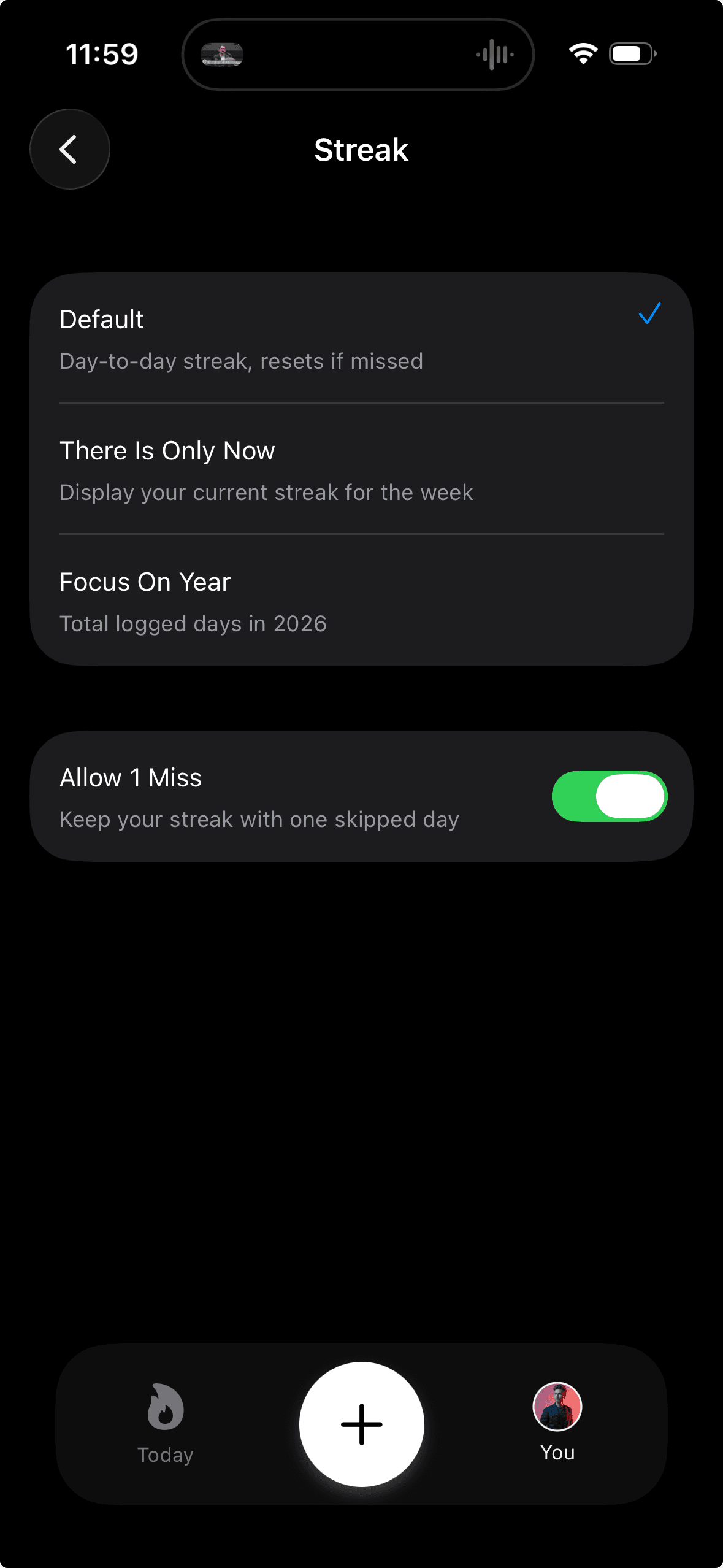
If you enable Allow 1 Miss, the counter can pass across one empty day without breaking. A second empty day ends the run.
Start from today
If today has no entries, start from yesterday

Count backward
+1 for a logged day
Allow one empty day if Allow 1 Miss is on
Stop at the next empty day03Week streak logic
Week streak counts logged days inside the current week.
The week boundary comes from your Week Starts On setting. Fuel counts backward from today until it reaches the start of the week. Allow 1 Miss applies inside the week in the same way it applies to the daily streak.
04Year days logic
Focus On Year replaces the consecutive counter with a simple total.
Fuel counts the number of days in the current calendar year that have at least one entry. Missing days do not reset anything because the metric is not sequential.
05What the streak badge shows
The streak badge on Today can display one of three views depending on your preference.
Default shows the daily consecutive streak. There Is Only Now shows the week streak. Focus On Year shows total logged days in the current year.
Tapping the badge opens a breakdown that shows all three numbers.
06Changing streak settings
You can change streak behavior from app preferences.
- Open You
- Open Preferences
- Open Streak
- Select the mode you want to display
- If you want a buffer, enable Allow 1 Miss
Allow 1 Miss and Focus On Year are mutually exclusive. Enabling Allow 1 Miss turns off the year counter and switching to Focus On Year turns off the skip buffer.
07When streaks look wrong
Streaks are computed from Apple Health, not from a separate Fuel database.
- Confirm Fuel can read Apple Health activity and nutrition data in Apple Health Permissions
- Confirm the missing day has at least one entry on that date, not just on a nearby timestamp
- If you use Apple Watch, allow time for the watch to sync to iPhone and for Apple Health to update
- Open Fuel after you correct a log so the streak can recompute and clear any scheduled streak reminders
08Badges and achievements
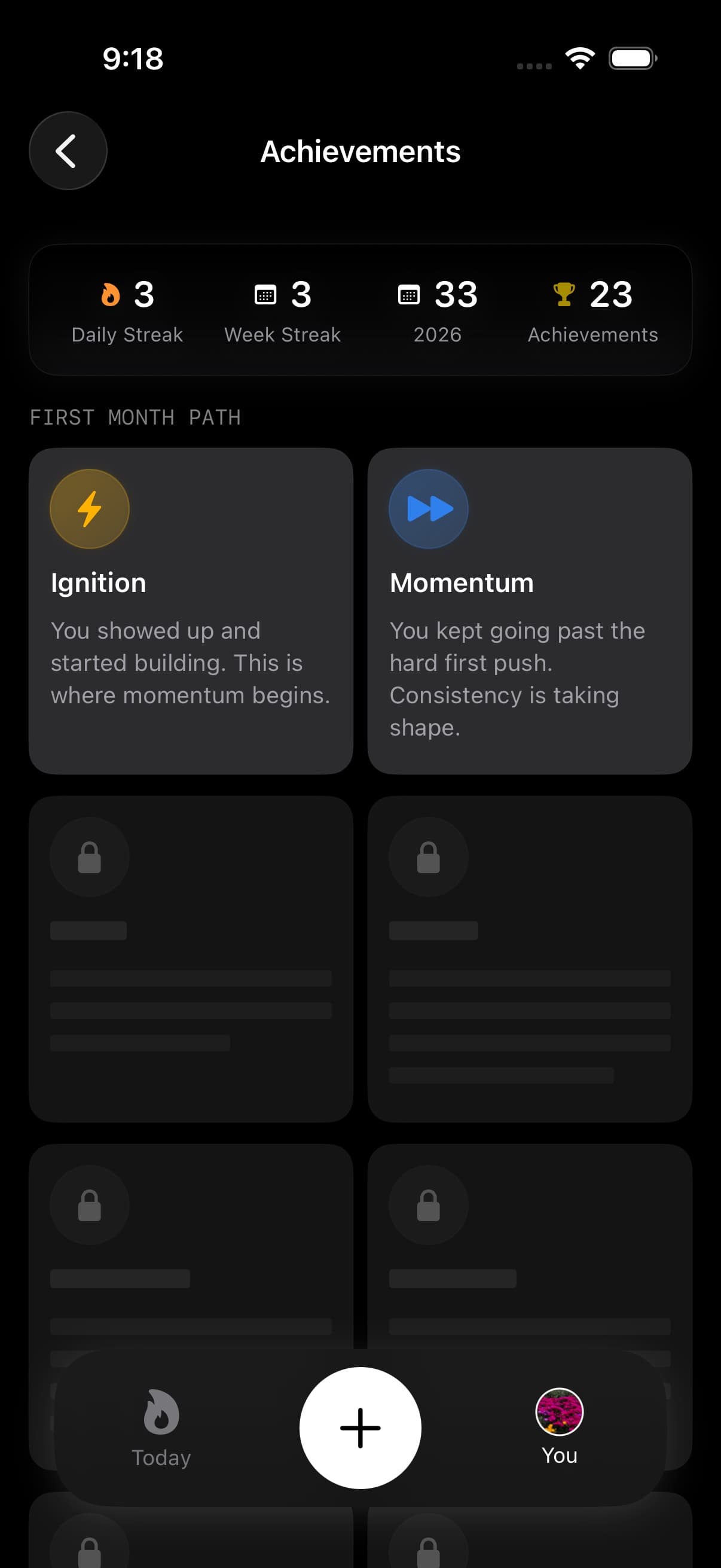
Streaks are one part of a broader achievement system. Fuel also tracks milestone badges for movement, fasting, and meal variety.
See Badges and Achievements for the full badge collection and how they are earned.
