Help
Personalized Metrics
Updated February 6, 2026
This content is for informational purposes only and is not a substitute for professional advice.
Personalized metrics are the signals Fuel derives from Apple Watch energy, weigh-ins, and your nutrition log so targets stay grounded and reviews stay specific.
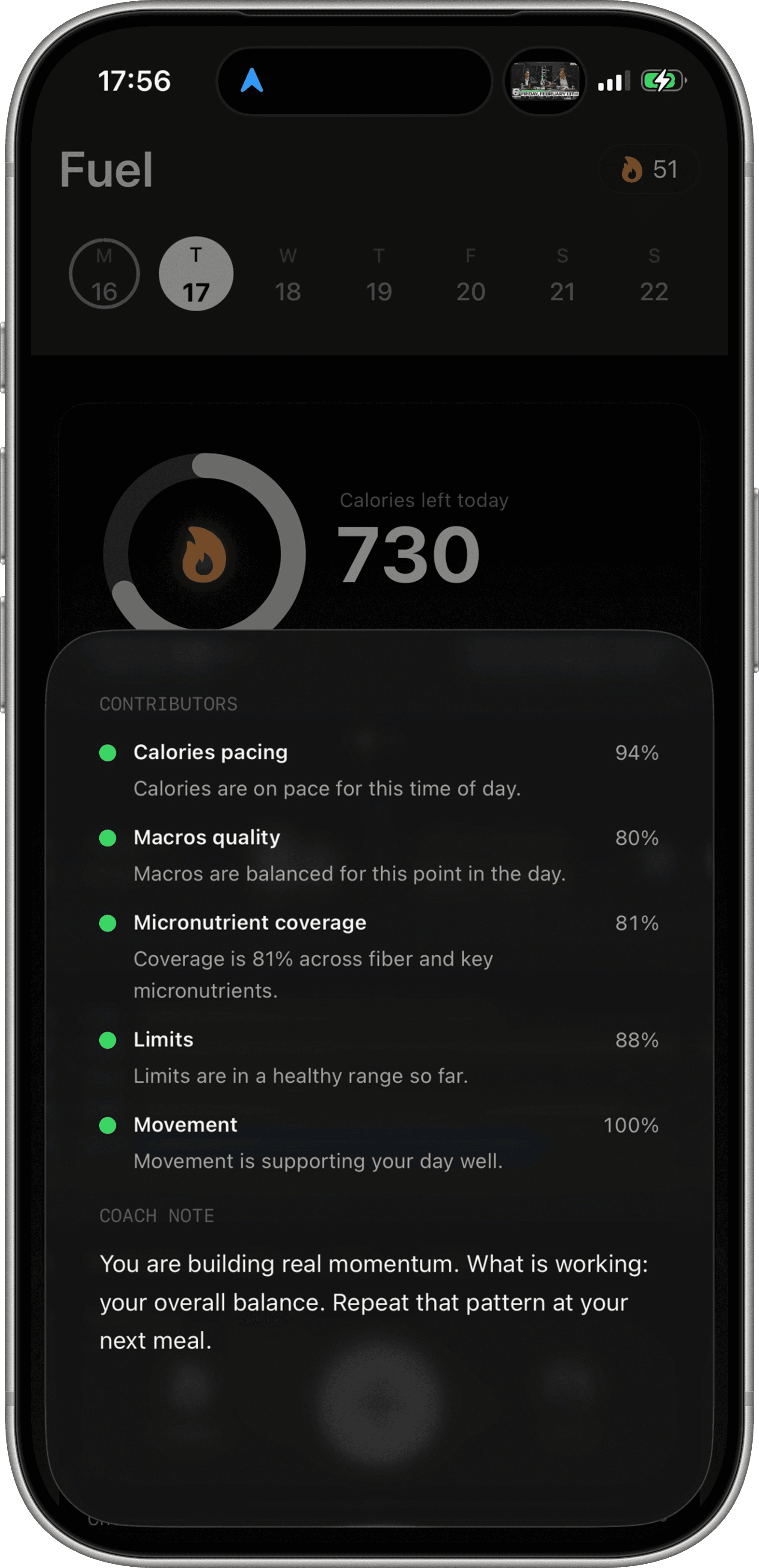
Raw inputs and derived signals
Apple Health stores raw records such as workouts, active energy, nutrition entries, and body weight. Fuel turns those raw inputs into derived signals you can act on.
Plain language version
Watch energy + food logs + weigh-ins
  -> stable summaries such as energy balance and weight trend
  -> targets that match your reality
  -> reviews and Coach Chat recommendations you can verify
The best derived signals have two properties. They track the reality you care about, and they are stable enough that you do not overreact to one noisy day.
Watch fed targets
Fuel treats Apple Watch energy as the baseline activity record for the day. That baseline anchors calorie context and makes it possible to compare high activity days to low activity days without guessing.
The target becomes more useful when it is checked against trend. If weight trend is drifting in a direction you did not intend, the plan needs to change, not your interpretation of the numbers.
Weight trend as a filter
Single weigh-ins are noisy. Trend is the signal.
Fuel uses your recent weight history to make it easier to see whether intake and activity are producing the outcome you want. That is why consistent weigh-ins matter more than a perfect weigh-in.
Nutrition progress that carries meaning
Macros are the execution layer. Micronutrients, water, and caffeine are the quality layer.
Fuel surfaces progress toward targets so you can see the day as a set of constraints, not a vague goal. When you look at a review, you should be able to point to the constraint you missed and understand why it happened.
Where to use metrics
Start with Energy Balance to audit a single day. Use Timeline to study patterns. Use Coach Chat when you want the plan rewritten into actions that match your schedule.