You are hungry, traveling, and looking at a menu full of dishes you do not know. Fuel's restaurant menu scanner helps you compare the options with the calories and macros you have left, so you can choose a meal before you order.
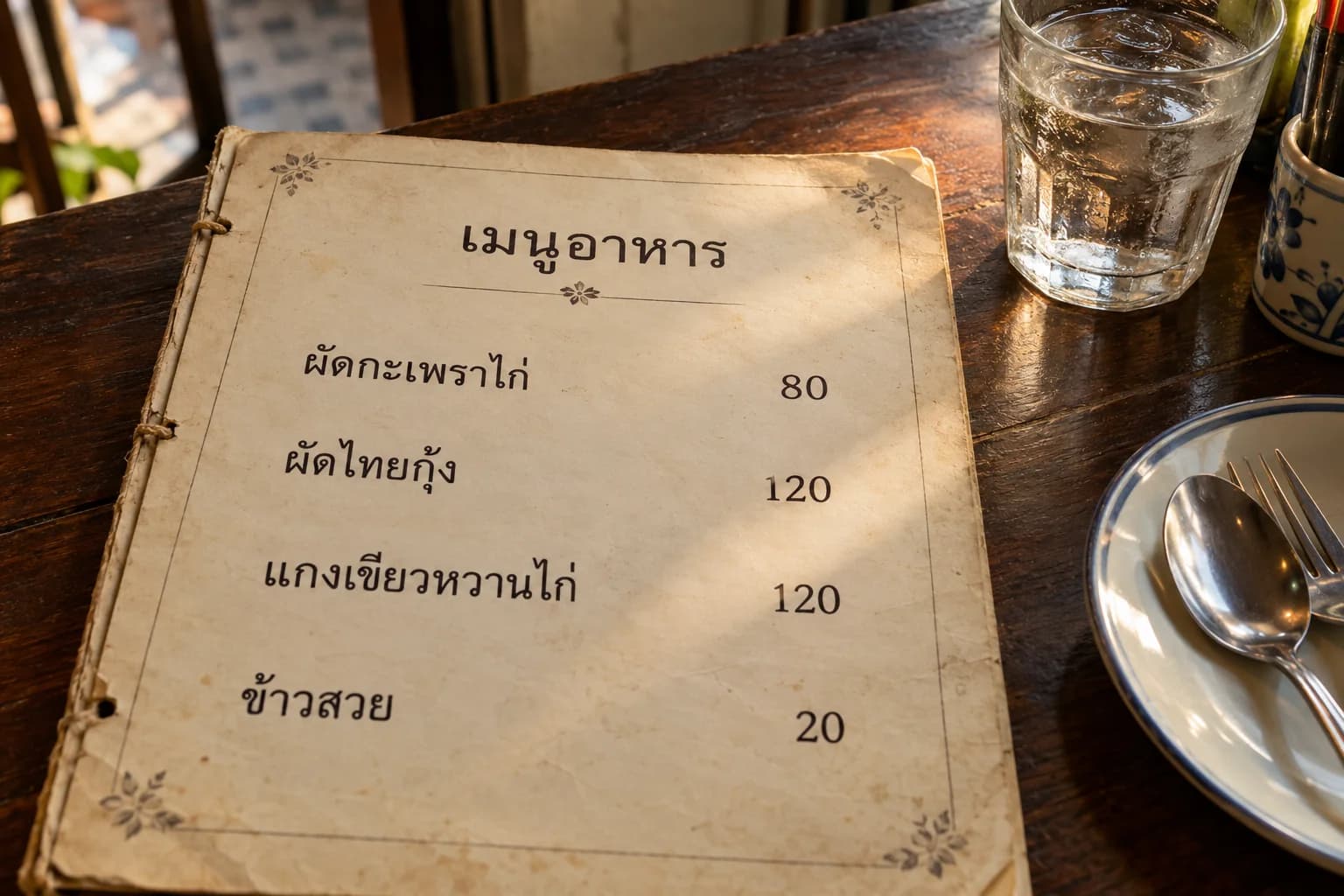
I use Eat Out at unfamiliar restaurants while traveling. At a familiar restaurant I usually know the menu already; somewhere new, a shortlist gives me a starting point. I can compare a few dishes, ask about an unfamiliar ingredient, and decide what suits the rest of my day.
01Scan the menu you are choosing from
Open Log Meal with the center +, tap the composer's + attachment button, then choose Eat Out. Photograph the section you want to order from.
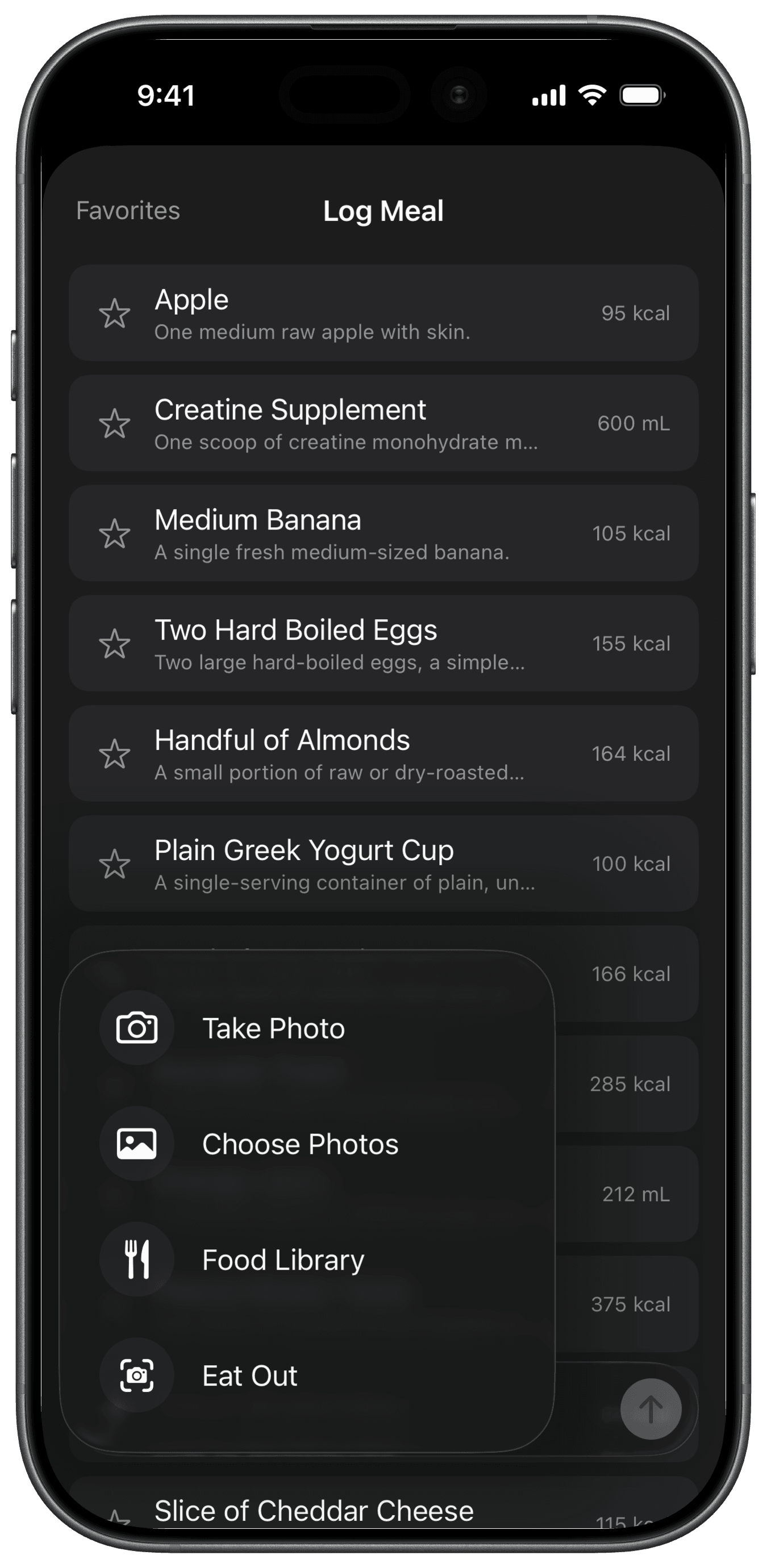
A straight-on photo of the mains page in good light gives Fuel readable names and descriptions. Move closer if the text is small, and tilt a laminated menu away from glare. Scan another menu lets you try another section. Eat Out Help covers the controls.

If the menu is in an unfamiliar language, ask the staff about any dish name, ingredient, or preparation you still do not understand. For an allergy, confirm with the restaurant directly; a menu scan cannot establish allergy safety.
02Compare the choices with what you have left today
Check today's log before relying on the remaining amounts. A missing lunch or snack leaves Fuel working with an incomplete view of your day. Then decide what you want from this meal: more protein, a smaller portion, or enough food for a hungry evening.
Fuel returns one top choice and two alternatives, with estimated calories, protein, carbs, fat, and an explanation. In the Thai-menu result below, it recommends tofu pa-naeng with jasmine rice, with prawn pad Thai and chicken pahd se-ew as alternatives.
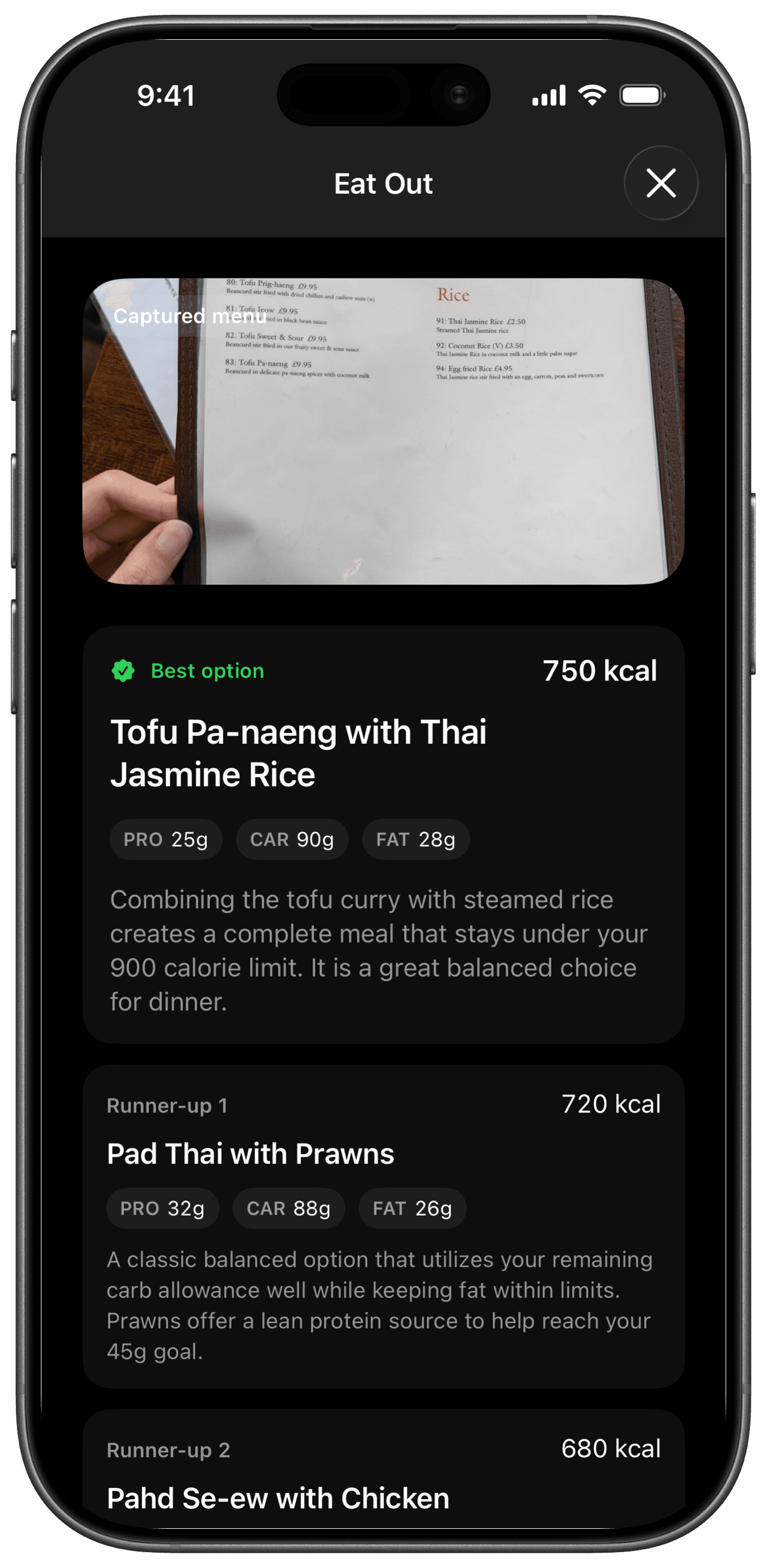
The curry and rice show 750 calories and 25 g of protein. If protein is your priority, compare that with the chicken option's higher protein estimate. If you want the curry, consider where it leaves you for any other meals today. The ranking gives you a shortlist; your appetite and preferences determine the order.
Check what each choice includes. Here, Fuel combines curry and rice that appear separately on the menu, so confirm whether you need to order the rice as a side. Include drinks, extras, and shared starters in your decision. Ask about a sauce or substitution while ordering, then account for what arrives when you log the meal.
When the restaurant provides nutrition for your exact order, use those figures as your starting point. Covered US chains publish calories and make additional nutrient information available on request.1 For a familiar chain, guides such as CAVA bowls ranked by goal and Sweetgreen macros ranked by goal can help you compare published values directly.
At a restaurant without those numbers, scan your next menu in Fuel and use the estimates to narrow your choices before ordering.
03Log the meal that arrived
Choosing an order and recording what you ate are separate steps. A rice substitution, an extra egg, or half a portion left on the plate changes the food you need to log.
Use the restaurant's published values or a matching Food Library entry when available, adjusted for the portion you ate. Published nutrition describes a standard serving; actual portions and ingredients can vary.2
For a mixed plate without published numbers, take a photo in Log Meal and add the details you know. A note such as "I ate about half the rice and added a fried egg" gives Fuel the portion and ingredient changes to work with. Review the result, use Edit Result and Ask AI to Update for corrections, then save with Log Food. AI Food Logging Help has the full steps.
Restaurant estimates still leave room for hidden oil and uncertain portions. Correct what you can identify rather than adding a fixed calorie buffer to every dish. For repeated restaurant meals and longer trips, the restaurant and travel macro tracking guide covers the wider routine.
An unfamiliar menu becomes easier to act on when you have a shortlist and a few specific questions. Choose the dish you want, confirm what comes with it, and let the final log reflect the plate you actually ate.
Footnotes
U.S. Food and Drug Administration, Overview of FDA Labeling Requirements for Restaurants, Similar Retail Food Establishments and Vending Machines, accessed October 20, 2026.
Back to textU.S. Food and Drug Administration, Menu Labeling Supplemental Guidance for Industry, May 2018, sections 7.1 and 7.2.
Back to text