Free barcode and macro tracking are enough to solve a real problem: recording ordinary meals without buying a subscription first. fatsecret deserves to be judged on that useful baseline before asking whether its paid tools match a reader's expectations for deeper guidance.
01Free diary versus Premium tools
The official app page documents free macro tracking, barcode scanning, and community features. Premium adds tools such as Smart Food Scan and additional diary options. Compare the actual upgrade shown to your account rather than assuming the free download includes every advertised feature.
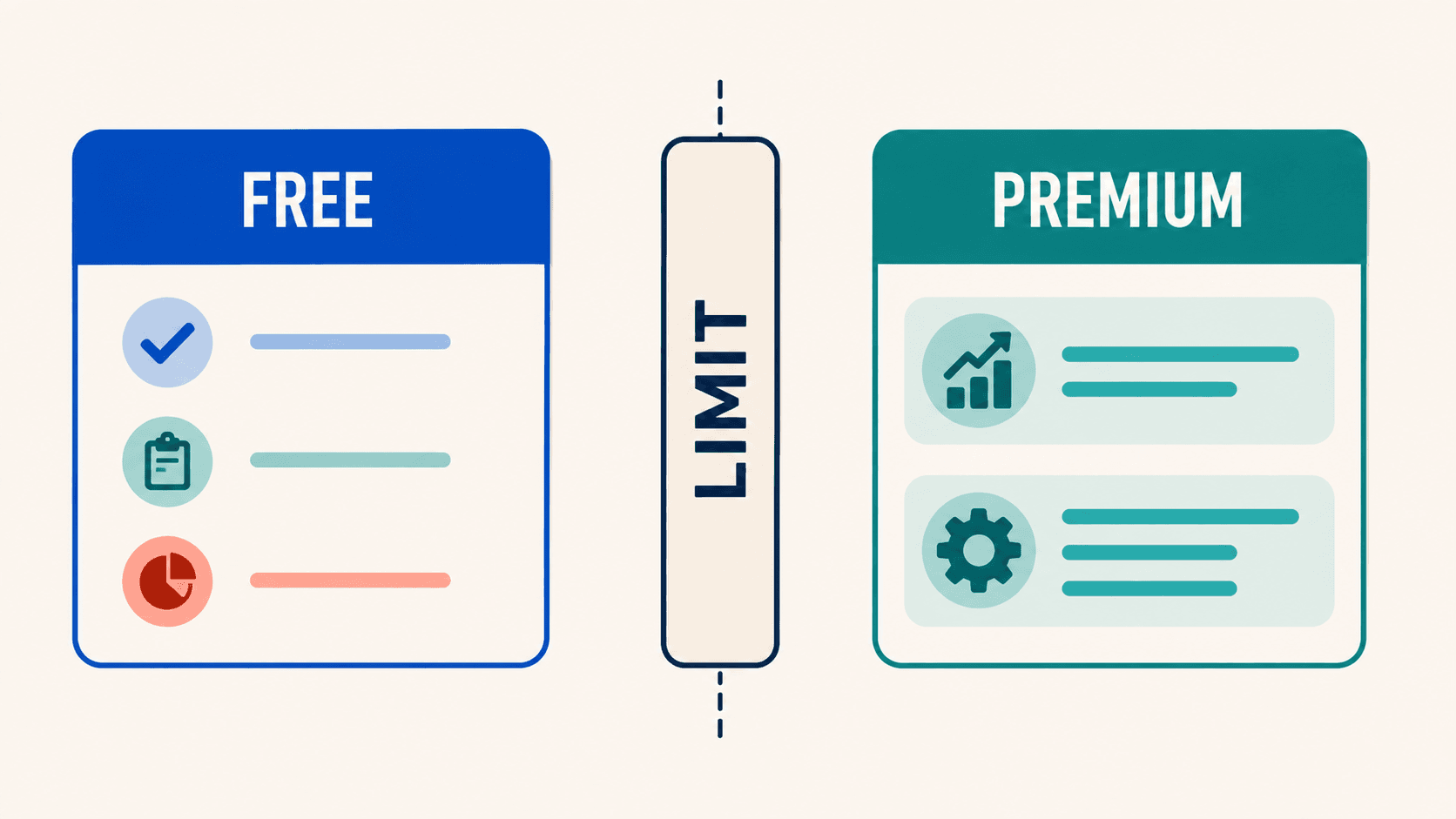
For a reader who repeatedly scans packaged foods, the free tier can be sufficient. Log an ordinary day before considering Premium. The practical upgrade question is which step remains difficult after you have saved the foods and meals you use most often.
02What Smart Food Scan actually does
fatsecret's Smart Food Scan guide describes identifying foods, estimating portions, matching database records, and reviewing the result. Users can remove incorrect foods and adjust portions before logging. Describing this as a simple photo-to-database lookup leaves out the documented recognition and portion-estimation steps.
That workflow still needs a human check. Compare the serving size with the plate and add ingredients that are not visible. Time the whole process until the meal is corrected and logged, including the first photo result.
03Food data and recipe checks
The developer's app page currently advertises more than 2.3 million human-verified foods. That is a vendor catalog claim, not a laboratory validation of every serving a user records. The consumer app's food coverage may differ from the company's separate food-data API, so check which one a figure describes.
Earlier versions cited an 8.4% accuracy deviation and a fixed nutrient count. Neither figure appears here because no named study, sample, and matching product version supports it. For your own trial, scan several current labels, confirm units, and inspect whether the nutrient fields you need are populated. Treat a blank nutrient field as unknown.
Build one recipe you actually repeat. Check ingredient entry, portion scaling, and how easily the meal can be found under a different meal heading. These are useful acceptance checks. A current version may well pass all of them.
04Apple Health and stability
The official Apple Health guide describes supported data exchange. Confirm permissions, then inspect one day of nutrition, weight, and activity in Health. The fields you can read and write may differ, and a Watch listing does not establish a full phone-equivalent workflow.
Older reviews can identify problems worth retesting, but reports of freezes or lost entries need a dated, attributable example before being described as a current widespread defect. This update does not claim a measured crash rate. Reopen a saved day and a partially edited meal during your own evaluation.
05Price and the buying decision
Use the current App Store listing and in-app offer for your country. Compare monthly payments with monthly payments and the full annual charge with other annual plans. Confirm renewal and cancellation terms before a trial ends.
Choose fatsecret when free barcode and macro logging solve your daily problem. Consider Premium only if its assisted logging or additional tools save enough effort in your own meals. For an explicit free-versus-paid comparison, read fatsecret vs MyFitnessPal.
If you want Apple Watch-based targets and a daily coaching workflow, see how Fuel works. The free diary remains a valid choice if those extra features are not what you need.