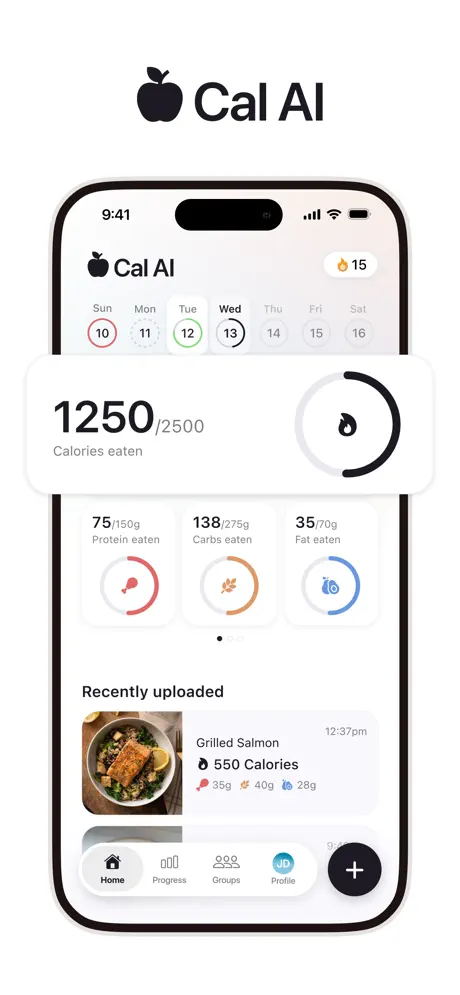
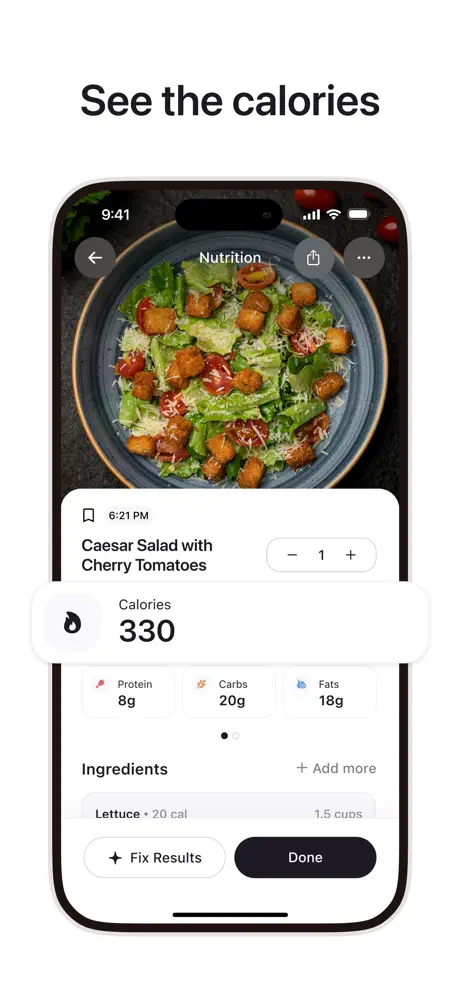
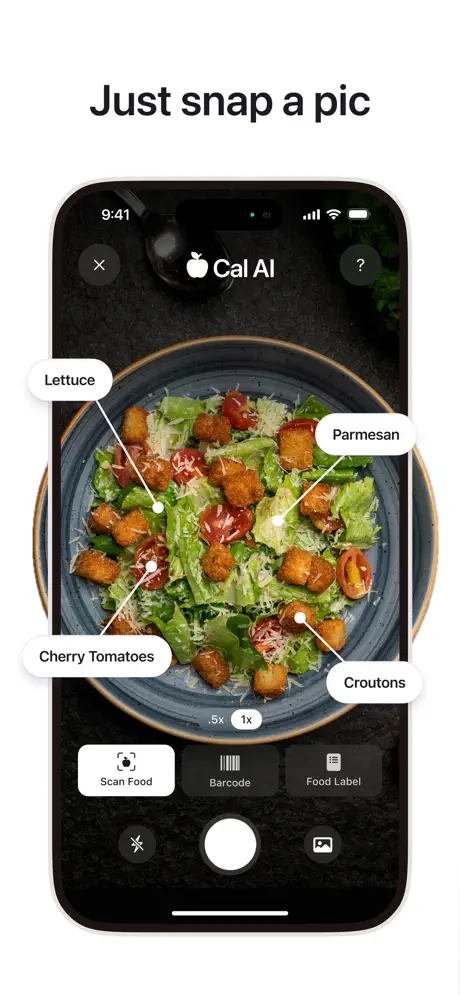

Cal AI can get a meal into a diary quickly. The harder questions are whether the entry survives scrutiny and whether you are comfortable with the product's handling of sensitive data and subscriptions. Those questions should be answered separately from the appeal of taking a picture instead of searching a database.
01What Cal AI offers today
The official site documents photo, barcode, and meal-description input, plus custom foods and recipes. The US App Store listing is active and lists Apple Watch compatibility. These are documented capabilities; compatibility alone is not a test of Watch reliability or nutrient-sync completeness.
Cal AI's FAQ describes cloud storage and explains how to connect Apple Health or Google Fit. If sync matters to your decision, inspect a test day's food and activity data in both apps after granting permissions. Check that the fields you need sync, and in the direction you need, because “connects to Health” does not promise every nutrient.
02Reported security incident in March 2026
Cybernews reported an alleged Cal AI breach, including a threat actor's claim of more than 3.2 million records. The article describes sensitive user information and the reported exposure. Treat the record count and attack account as attributed reporting, not an independently audited finding by Fuel.
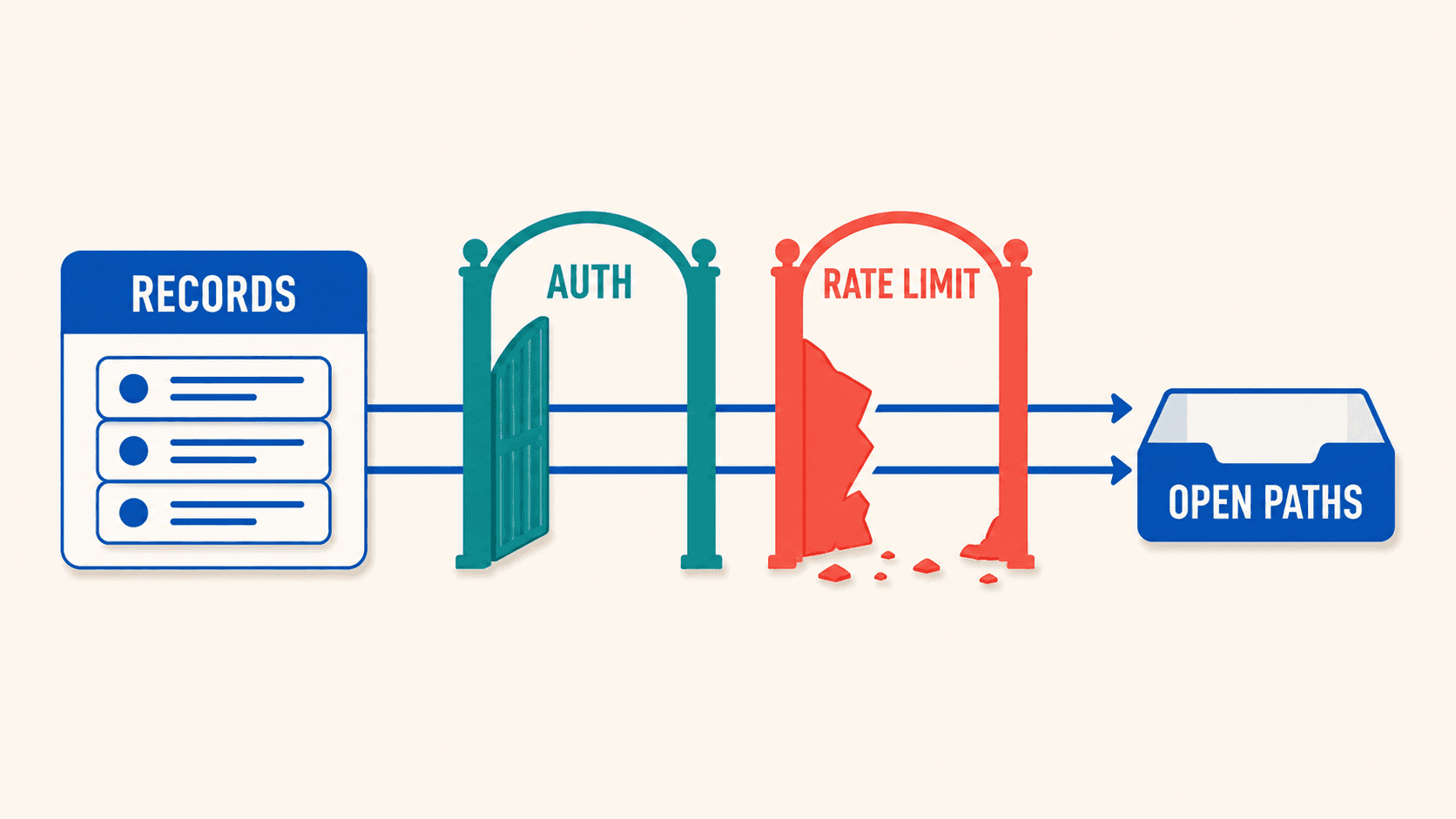
The practical question is what data you are comfortable supplying and what remediation the company has documented. A store listing or new release does not, by itself, establish how a reported incident was resolved. Review the developer's current privacy policy and communications before uploading sensitive history.
03April removal and reinstatement
MacRumors reported on April 21, 2026 that Apple briefly removed Cal AI over its purchase flow and billing presentation. The same report says the developer corrected the identified issues and the app returned. This is a historical billing incident, not a claim that Cal AI is currently unavailable.
Read the full billed amount rather than only a weekly equivalent. Record the trial end date and renewal charge. If an offer changes during onboarding, compare the complete terms before accepting it.
04What the accuracy evidence can establish
An earlier Lifehacker review described mistaken food identification and portion estimates in a small set of examples. That is evidence about those examples and that version. It does not establish a current 25–50% error rate across mixed meals, or an 85–92% accuracy rate on simple foods.
For a meaningful personal test, use a meal with weighed ingredients and named nutrition references. Save the first output, correct missing oil and portion weights, and compare the final calories and macros with the reference. Repeat with a packaged item and a mixed dish. Record the version, device, plan, date, and time needed to finish each correction.
| Check | What to record | What would support a decision |
|---|---|---|
| Simple food | Reference weight and original estimate | A usable portion estimate after inspection |
| Mixed meal | Ingredients, hidden fat, and original versus corrected values | Clear ingredient and portion edits |
| Saved meal | Reopen the corrected entry and change a serving | Reliable reuse of the saved meal |
| Barcode | Exact brand, product, serving size, and label | A matching product record, not just a successful scan |
A photo can miss oil or confuse cooked and raw weights. The relevant purchase decision is whether the correction process makes your own meals faster to log accurately. We are not presenting a new benchmark dataset in this update.
05Subscription and support checks
The current FAQ directs store subscribers to Apple or Google for cancellation and refunds, and direct purchasers to Cal AI support. Weigh any report of a poor support experience against that official route. Deleting the app does not cancel a subscription.
We do not assume every account gets a free tier of three scans per day or one annual price. Check the offer on your account and the features that remain after the trial. Individual billing complaints need an attributable source and date before being generalized to every customer.
06Who should choose Cal AI
Consider Cal AI if you want a photo-led routine, can verify the foods you eat most often, and accept the current data and purchase terms. Choose a different app if checking where each nutrient comes from, or getting ongoing coaching, matters more than a quick first entry.
For a direct alternative, compare Cal AI with Cronometer or MacroFactor. If Apple Watch-based targets and daily coaching are your priority, explore Fuel's workflow. Judge the app by the corrected meal and the feedback you need after the first scan.