
Key Takeaways
- Carb Manager is the stronger choice for committed keto users who want structured meal plans, net carb tracking, and a recipe library tuned to low-carb eating. - Cronometer is the better pick for anyone who prioritizes micronutrient accuracy above all else. Its USDA-backed database tracks 80+ nutrients with unmatched scientific rigor. - Neither app offers coaching, adaptive goals, or an Apple Watch companion, so users who want guidance beyond raw data will need to look elsewhere.
01About Carb Manager
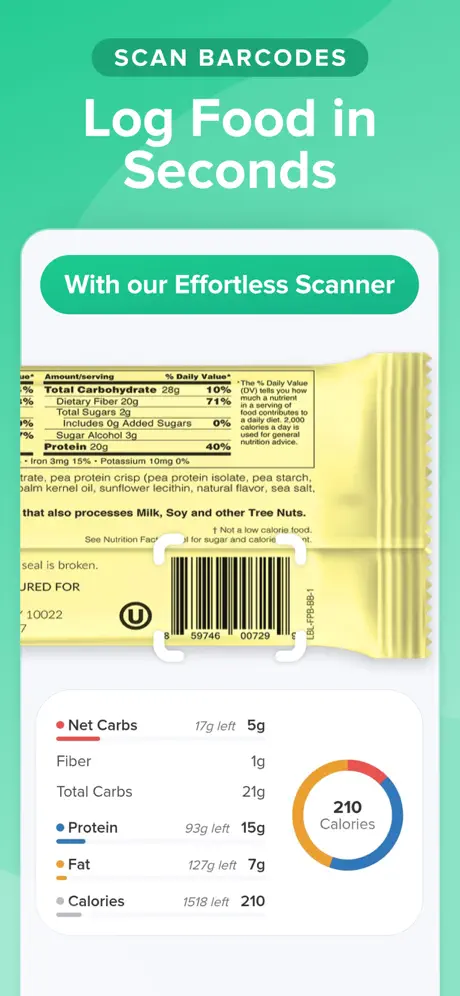
Carb Manager is a nutrition tracking app built specifically for keto and low-carb diets. It centers on net carb tracking that properly subtracts fiber and sugar alcohols, ketosis targets that help users stay in their desired carb range, and a weekly meal plan builder with a large keto recipe library. The app includes free barcode scanning on all tiers, which is a meaningful advantage over competitors that paywall this feature. Carb Manager Premium costs $7.99 per month and unlocks the full meal planning suite, expanded macro analytics, and priority access to new keto recipes. The app does not offer coaching, adaptive goal adjustment, or an Apple Watch companion.
02About Cronometer
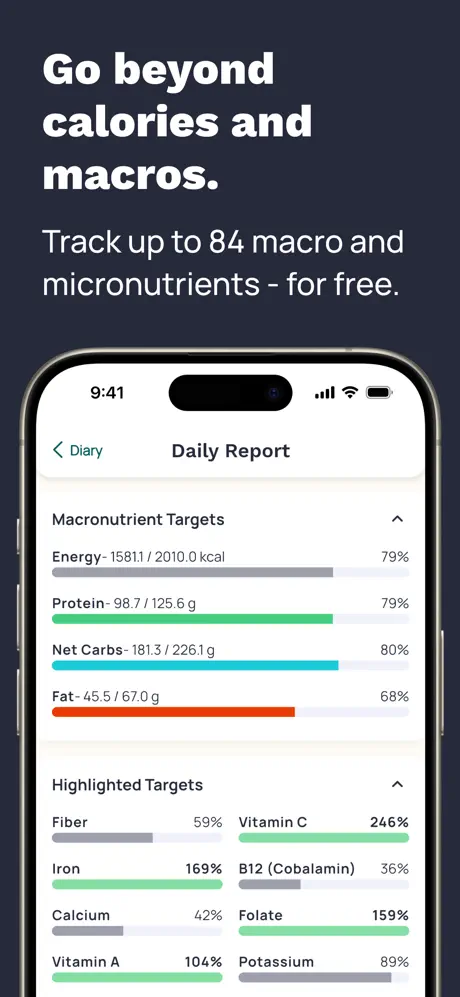
Cronometer is a nutrition tracking app built for data accuracy above all else. Its database draws from the USDA National Nutrient Database and verified institutional sources rather than crowd-sourced submissions, making it the most scientifically rigorous tracker available. Cronometer tracks over 80 micronutrients including full amino acid profiles, selenium, B12, manganese, and dozens of trace minerals that other apps ignore entirely. The app is diet-agnostic, working equally well for keto, high-protein, Mediterranean, vegan, or any other framework. Cronometer Gold costs $5.49 per month and unlocks custom biometrics, fasting timers, and additional reporting. There is no coaching layer, no meal planning, and no Apple Watch app.
03Database noise and accuracy sources
Cronometer's core advantage is data integrity. Every entry in its database is sourced from the USDA National Nutrient Database or verified institutional references, not user submissions that can contain typos, outdated labels, or outright fabrications. This means the numbers you see for vitamins, minerals, amino acids, and trace elements are scientifically validated against laboratory-tested reference values. For users who track beyond macros, monitoring zinc intake to support immune function, checking B12 levels on a plant-based diet, or ensuring adequate selenium for thyroid health, Cronometer is the only mainstream tracker that delivers reliable micronutrient data at that depth.
Carb Manager's database combines crowd-sourced entries with curated keto-specific items. For macros and net carbs, the data is solid. Fiber and sugar alcohol subtraction is handled correctly, and keto-branded products are well represented with accurate label data. However, Carb Manager does not approach Cronometer's micronutrient depth or verification rigor. If you primarily track macros and net carbs to stay in ketosis, Carb Manager's data is adequate and purpose-built for your use case. If you care about the full nutrient picture, including micronutrients, amino acids, trace minerals, and vitamin forms, Cronometer is in a fundamentally different league.
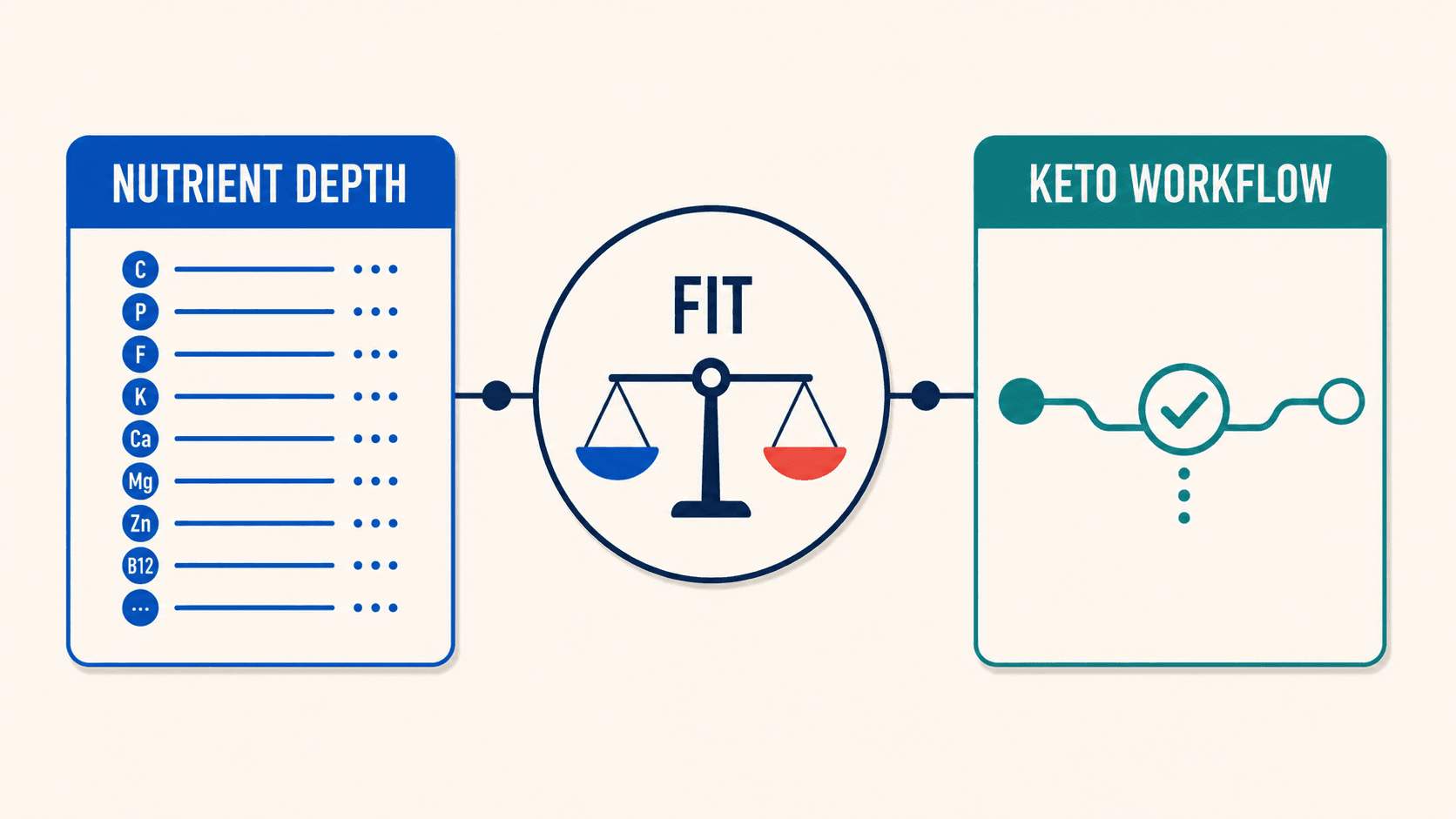
Winner Cronometer. No other consumer app matches its micronutrient accuracy and database verification standards.
04Meal Planning and Recipes
Carb Manager's meal plan builder is a genuine differentiator in this comparison because Cronometer simply does not compete in this category. Users can generate weekly meal plans tuned to their keto macro targets, browse a large library of keto-specific recipes with nutritional breakdowns already calculated, and produce shopping lists from those plans. For keto adherents who struggle with meal variety, who get bored eating the same rotation of foods, or who want a structured weekly cadence that removes daily decision fatigue, this feature fills a real gap that Cronometer does not address at all.
The catch is execution quality. Users consistently report that the meal plan builder crashes mid-session, losing progress. Preference filters do not work correctly. Setting "no seafood" still surfaces salmon recipes, and marking allergies does not reliably exclude those ingredients. The multi-step workflow for building a weekly plan adds unnecessary friction, requiring more taps and confirmations than the task warrants. When the planner works, it is genuinely useful and time-saving. When it fails, it is the single most frustrating part of the Carb Manager experience. Cronometer offers no meal planning whatsoever. It is a pure tracking tool that expects users to decide what to eat independently and simply record what they chose.
Winner Carb Manager. The meal plan builder is imperfect, but having one at all is a significant advantage over having none.
05Diet Flexibility and Framework Scope
Cronometer is entirely diet-agnostic by design. Whether you follow keto, high-protein, Mediterranean, vegan, carnivore, or no specific framework at all, Cronometer tracks everything with equal rigor and equal depth. The app does not push you toward a particular dietary approach, does not emphasize any macronutrient over another, and presents the data objectively for you to interpret. This makes it suitable for users whose dietary needs may shift over time. Someone doing keto today who switches to a balanced macro split next quarter loses nothing in the transition. Cronometer's value proposition is entirely independent of your dietary framework.
Carb Manager is optimized for keto and low-carb eating, and that optimization is both its greatest strength and its most significant limitation. Net carb tracking, ketosis targets, keto recipes, and keto-tuned meal plans are the app's best features. But they only deliver value if you are following that specific framework. If you switch away from keto, much of Carb Manager's premium value becomes irrelevant. The general calorie and macro tracking capability exists, but the app's interface, recommendations, and content are all organized around low-carb eating. Users on a non-keto diet will find themselves navigating past features that do not apply to them.
Winner Cronometer. It serves any dietary framework with equal depth, while Carb Manager's value is concentrated in keto.
06Food Logging Experience
Both apps use manual database search as their primary logging method, and neither offers AI-powered logging, photo recognition, or voice input. Carb Manager adds free barcode scanning on all tiers, which meaningfully speeds up logging for packaged foods. Scanned items return keto-tuned data with net carb calculations already applied, saving manual math. The day-to-day logging experience is functional but not fast. Copying meals from previous days requires multiple taps with no bulk-add option, and water logging is locked to fixed 8-ounce increments that cannot be customized to match actual glass or bottle sizes.
Cronometer's logging is similarly manual, with its own set of daily friction points. The app does not show remaining macros. Instead of displaying "you have 45g protein left today," it shows what you have consumed and expects you to subtract from your target mentally. This is a basic UX gap that adds cognitive load to every meal review. The Daily Report has a scroll-reset bug that forces users back to the top of the page on every interaction, making it tedious to review detailed nutrient breakdowns lower on the page. Cronometer's partial Apple Health sync also has known gaps on data re-import. Not all data flows reliably between the app and the Health app.
Winner Carb Manager by a narrow margin. Free barcode scanning and automatic net carb calculations give it a slight logging edge, though both apps lag behind modern AI-powered alternatives.
07Apple Watch logging and Health sync
Neither Carb Manager nor Cronometer offers an Apple Watch companion app. This is a notable gap for both applications in a market where wearable integration is increasingly expected by users who want to check progress, log water, or see daily summaries without pulling out their phone. Cronometer has partial Apple Health sync but with documented gaps on data re-import that can cause discrepancies between what the app shows and what the Health app displays. Carb Manager's Apple Health integration is similarly limited in scope. Users who want to log from their wrist, see macro progress on their watch face, or receive nutrition-related complications on their Apple Watch will find no such capability in either app.
Winner Draw. Both apps lack Apple Watch support entirely, and both have limited Apple Health integration.
08Coaching style and daily feedback
Neither Carb Manager nor Cronometer offers coaching or adaptive goal adjustment of any kind. Carb Manager provides static ketosis targets. You set your net carb range and the app tracks whether you hit it, but the targets never adjust based on your results. If you plateau, if your body composition changes, or if your activity level shifts, you must recognize the need for adjustment and make changes manually. Cronometer provides calorie and nutrient targets with no feedback mechanism. The app displays what you consumed and lets you compare it to your goals, but it never suggests that your goals should change.
This shared limitation matters because nutrition goals are not static. Metabolic rates change, activity levels fluctuate, body composition shifts over time, and the targets that work in month one may be wrong by month three. Both apps treat goal-setting as a one-time event, not an ongoing process. They leave users to recognize when their targets need updating and to calculate new values on their own. For experienced users who understand periodization and metabolic adaptation, this is manageable. For less experienced users, stale targets can lead to plateaus and frustration with no clear path forward.
Winner Draw. Neither app offers coaching or adaptive goals, and both leave users to manage their own target adjustments.
09Free tiers and paid walls
Both apps offer functional free tiers that allow basic tracking without payment, and neither free tier feels deliberately crippled to force upgrades. Cronometer Gold at $5.49 per month is one of the most affordable premium tiers in the entire nutrition app category. It unlocks the full power of the USDA-backed database along with custom biometrics, fasting timers, and deeper nutrient reporting. Carb Manager Premium at $7.99 per month is roughly 45 percent more expensive on a monthly basis. It unlocks the full meal plan builder, advanced macro tracking, expanded recipe access, and priority support.
The value equation depends entirely on your needs. If you want keto meal planning tools and are willing to pay for structured dietary guidance, Carb Manager's premium tier justifies the higher price because those features do not exist in Cronometer at any price. If you want the deepest possible nutrient data with verified scientific accuracy, Cronometer Gold delivers exceptional value per dollar. $5.49 per month for the most accurate database in the category is remarkably affordable. Neither app charges for basic food logging or imposes artificial limits on daily entries at the free tier.
Winner Cronometer on raw value. $5.49 per month for the most accurate database in the category is the better deal, though Carb Manager's meal planning justifies its premium for keto users.
10Who should pick Carb Manager vs Cronometer
Choose Carb Manager if you are committed to keto or low-carb eating and want a complete toolkit built for that specific framework. The meal plan builder, keto recipe library, net carb tracking with automatic fiber and sugar alcohol subtraction, and ketosis targets create a specialized ecosystem that no general-purpose tracker replicates. You need to accept the meal planner's documented stability issues and the reality that the app's value diminishes significantly if you ever transition away from keto.
Choose Cronometer if data accuracy is your top priority and you want a tracker that works with equal rigor for any dietary approach you might follow. The USDA-backed database, 80+ micronutrient tracking, and scientific verification make Cronometer the right choice for users who treat nutrition tracking as a data discipline rather than a diet program. You give up meal planning entirely and accept a more utilitarian daily experience with some persistent UX issues.
11Final pick based on your priority
Carb Manager and Cronometer are both strong applications that excel in their respective niches without trying to be everything to everyone. Carb Manager is the better keto toolkit. Meal plans, recipes, net carbs, ketosis targets, and free barcode scanning give committed low-carb users a structured framework to follow. Cronometer is the better data tool. Its micronutrient depth, USDA-backed database, and scientific accuracy standards are unmatched by any consumer nutrition app on the market. The choice comes down to whether you need diet-specific structure or scientific data rigor.
Neither app offers coaching, adaptive goal adjustment, or meaningful wearable integration. Both expect you to interpret the data yourself, make your own adjustments when progress stalls, and stay motivated without feedback. For users who want guidance alongside their tracking (a daily score, actionable insights, or targets that adapt based on real behavior), both apps leave a significant gap.
Looking for accurate tracking with adaptive coaching? Fuel delivers a daily coaching loop, AI-powered logging, and full Apple Watch support, working across any dietary framework including keto.
Frequently Asked Questions
Is Carb Manager or Cronometer better for keto?
Carb Manager is purpose-built for keto with net carb tracking, ketosis targets, keto meal plans, and a keto recipe library. Cronometer can track a keto diet effectively (it handles net carbs) but does not offer keto-specific meal plans or recipes. If keto tooling matters, Carb Manager is the stronger choice.
Which app has more accurate nutrition data?
Cronometer uses the USDA National Nutrient Database and verified institutional sources, making it the most scientifically accurate tracker available. Carb Manager combines crowd-sourced entries with curated keto items, reliable for macros and net carbs, but does not match Cronometer's micronutrient depth.
Do either Carb Manager or Cronometer have an Apple Watch app?
No. Neither Carb Manager nor Cronometer offers an Apple Watch companion app. Users who want wrist-based logging need to look elsewhere.
How much does Carb Manager Premium cost compared to Cronometer Gold?
Carb Manager Premium costs $7.99/month. Cronometer Gold costs $5.49/month or $44.99/year. Both offer functional free tiers, but Cronometer Gold is roughly 30 percent cheaper on a monthly basis.
Can Cronometer do meal planning like Carb Manager?
No. Cronometer is a pure tracking tool with no meal planning feature. Carb Manager's meal plan builder generates weekly keto-tuned plans with recipes and shopping lists, though users report crashes and filter failures in the builder.